WORD CLOCK PRO
Turn time into typographic art
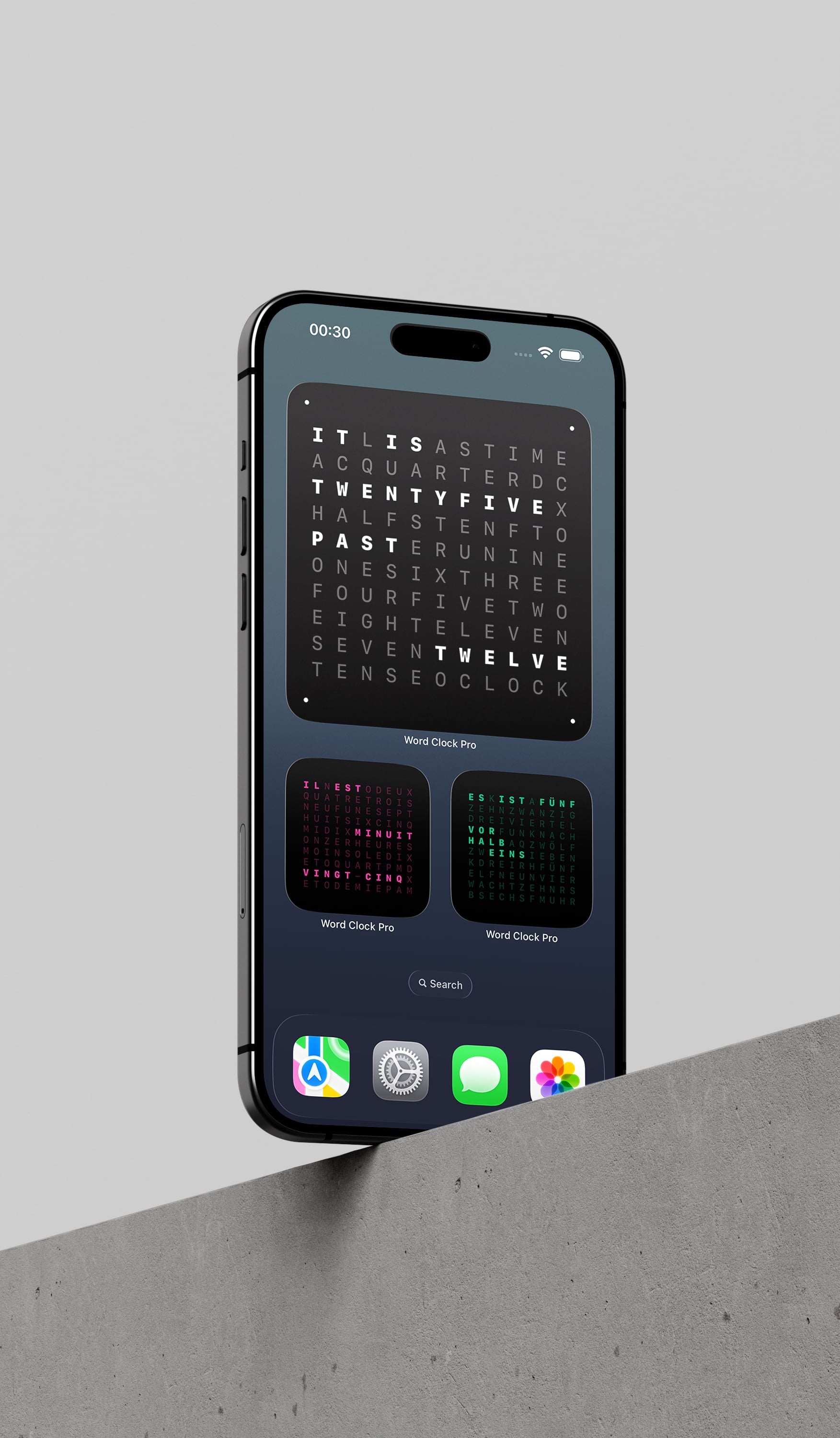
Time expressed as language, not digits. Word Clock Pro transforms your devices into contemplative objects. Quiet presences that speak the hour in words across iPhone, iPad, Mac, Apple Watch, and Apple TV. Place it where you live and let time become something you read, not count.
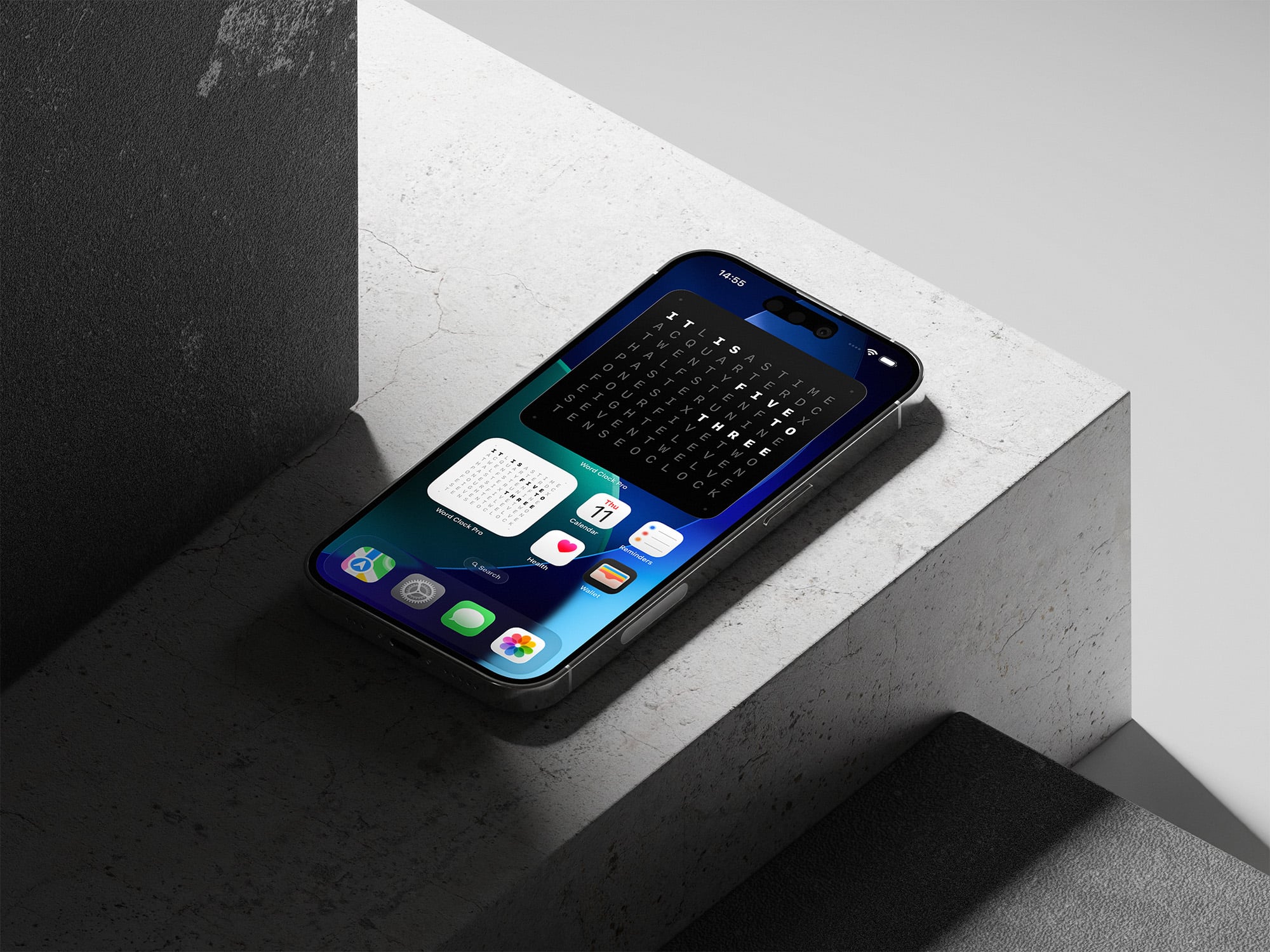
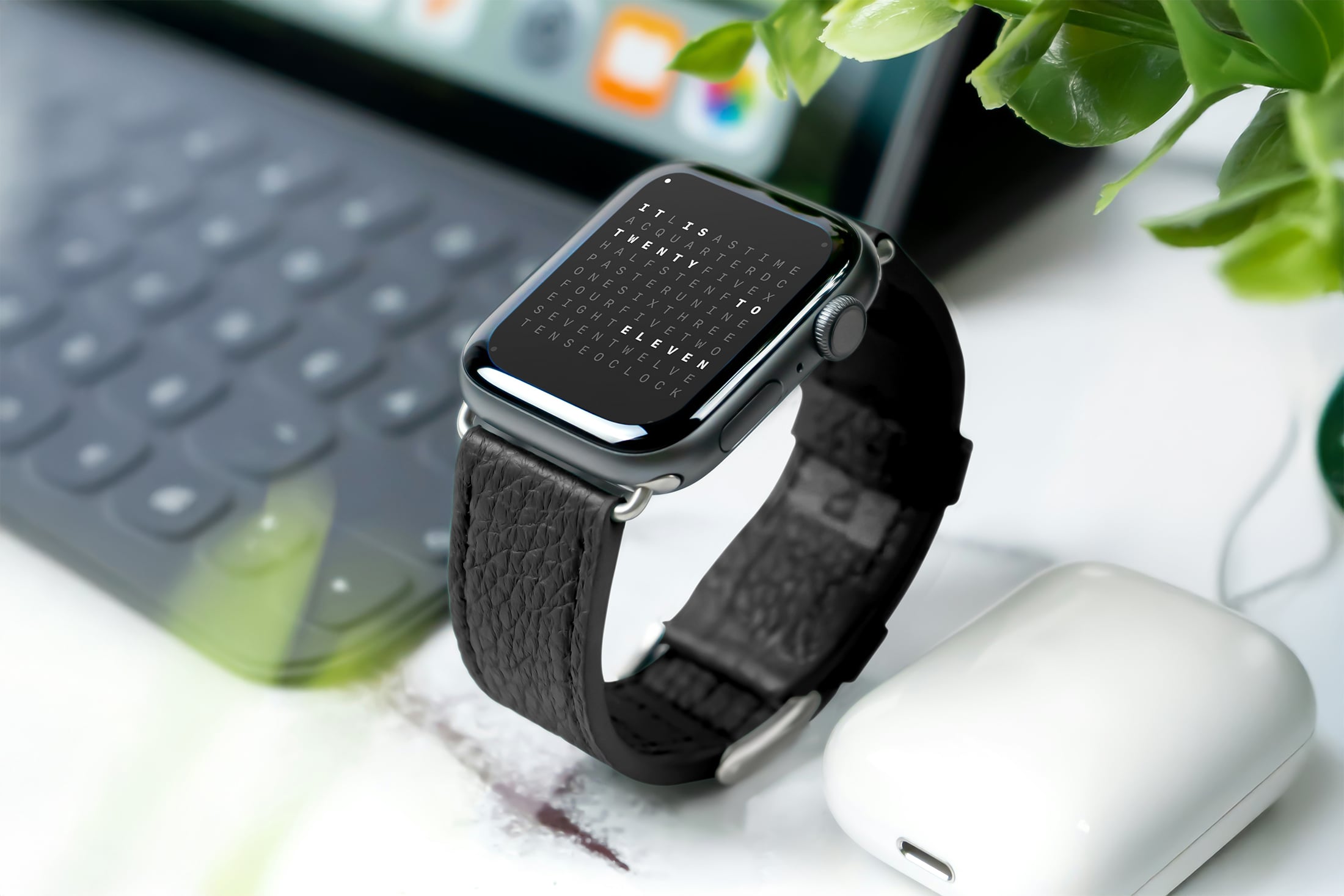
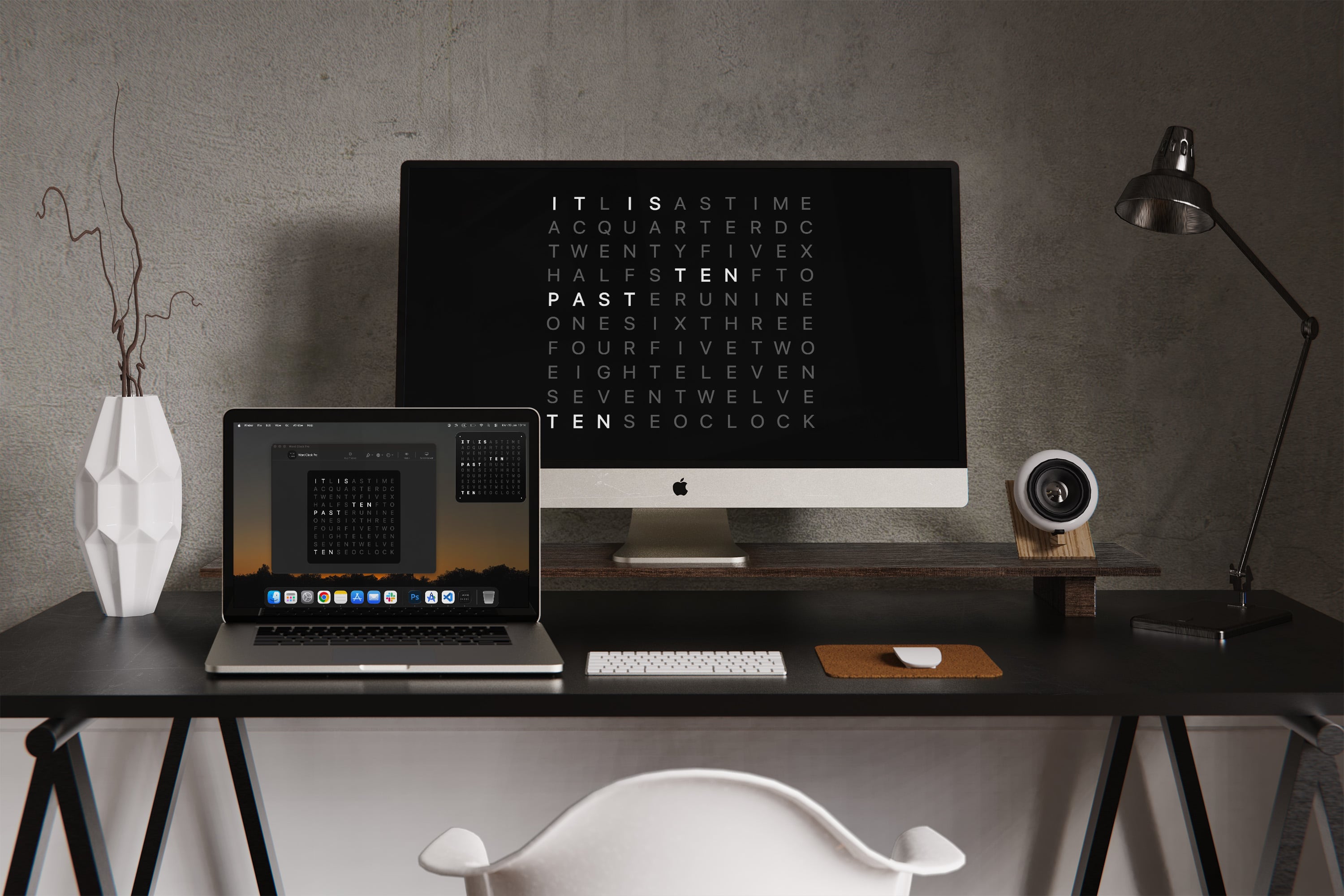
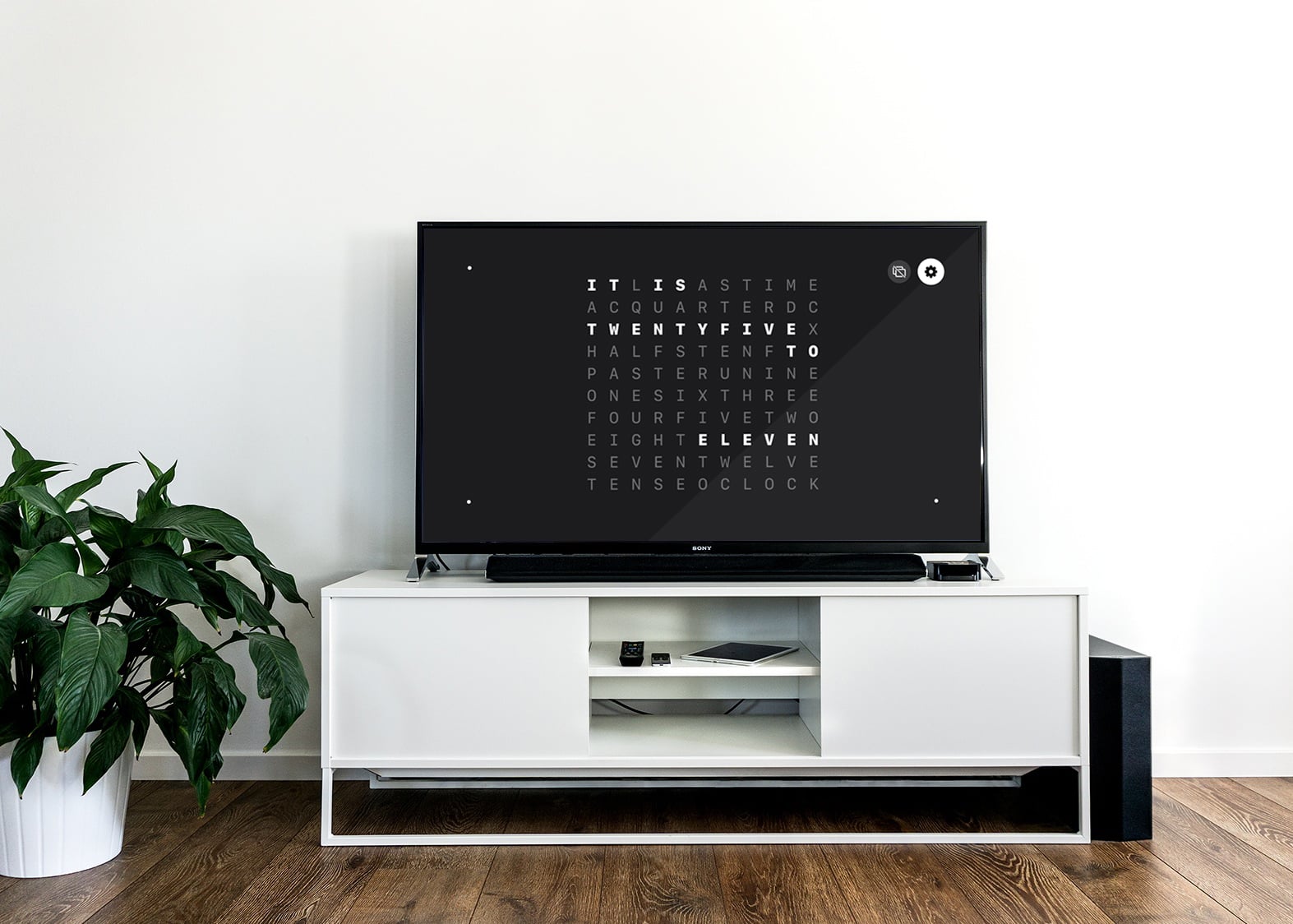
Typography as timepiece. Presence over distraction.
Word Clock Pro exists as a quiet presence in your space. An object of subtle beauty that tells time through language. Like a piece of art that happens to be functional, it holds still, stays legible, and invites a moment of pause. From a docked tablet to a macOS screensaver to Apple TV, each surface becomes a canvas for words.
Three expressions for a one-time $2.99. Widget for awareness, StandBy for bedside calm, Kiosk for any surface. Mac screensaver, Apple Watch, and Apple TV included.
Choose your rhythm: minute-by-minute precision for those who appreciate exactness, or five-minute phrasing for a more contemplative relationship with time.
Five languages speak to your heritage. Infinite themes match your aesthetic. 15 curated presets to begin, iCloud sync to keep your vision unified across every device.
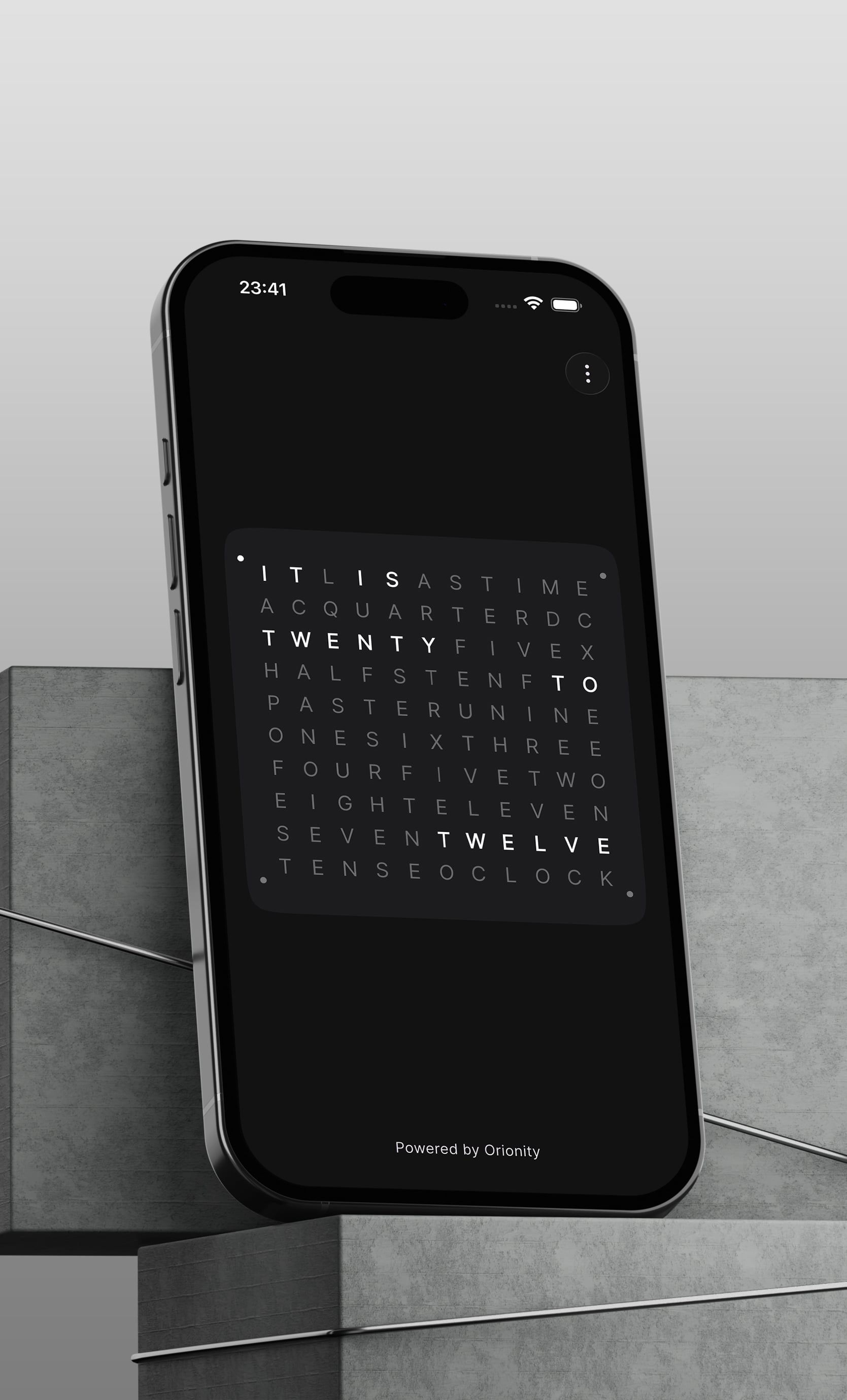
APPLICATION
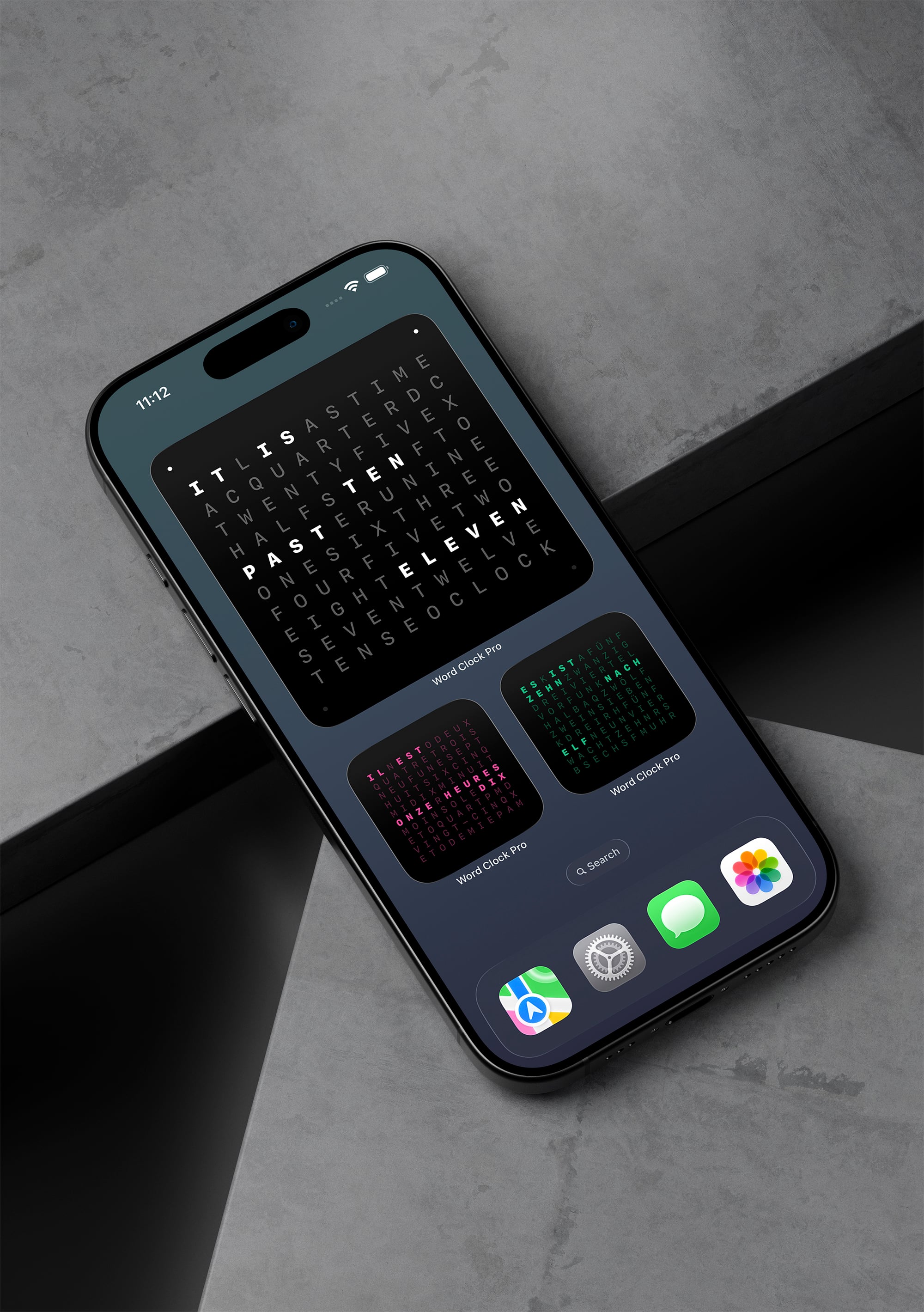
WIDGETS
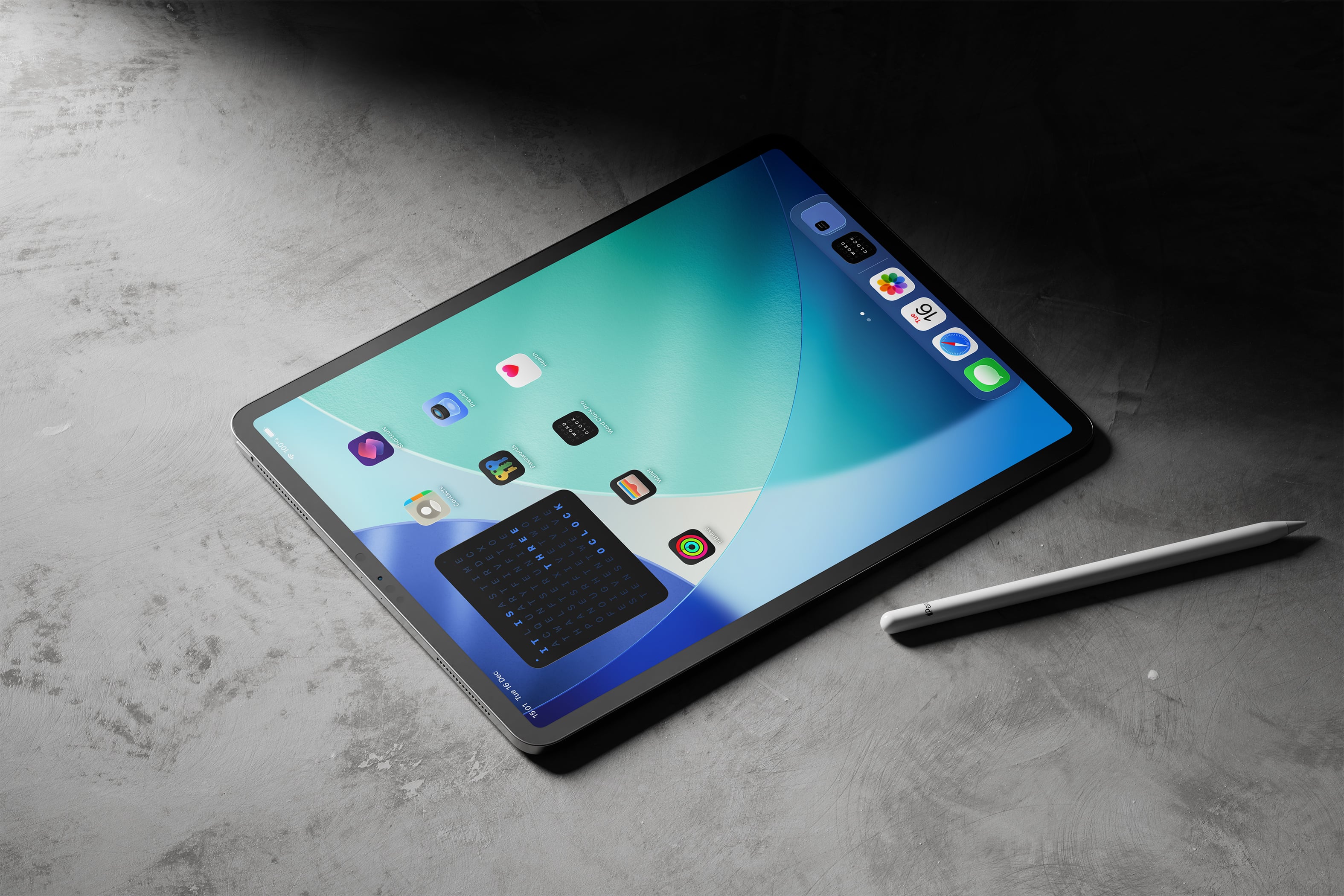
WIDGETS ON IPAD
Platforms
Every screen, tuned for its place.
From widgets and StandBy to a full macOS app, screensaver, Apple Watch companion, and Apple TV experience, Word Clock Pro makes time feel composed wherever you are.
iOS + iPadOS
iPhone + iPad
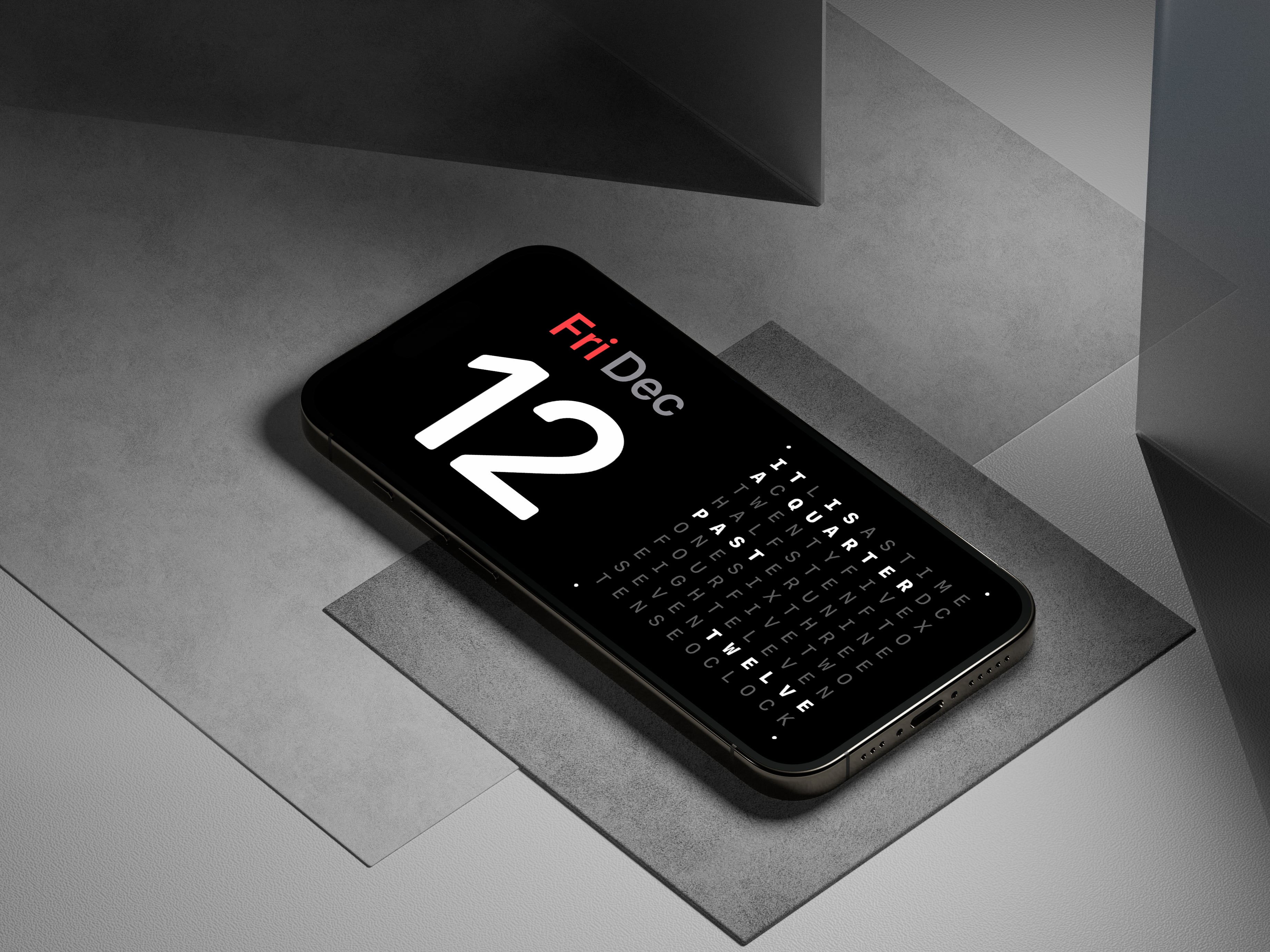
Widgets, StandBy, and kiosk turn your Home Screen, nightstand, or desk into a calm word clock made for touch-first use.
- 1Home Screen and Lock Screen widgets in multiple sizes
- 2StandBy mode for iPhone's horizontal dock view
- 3Kiosk mode transforms any iPad into a dedicated desk or wall clock
WIDGETS
IPAD
STANDBY
macOS
Mac App + Screensaver + Widgets
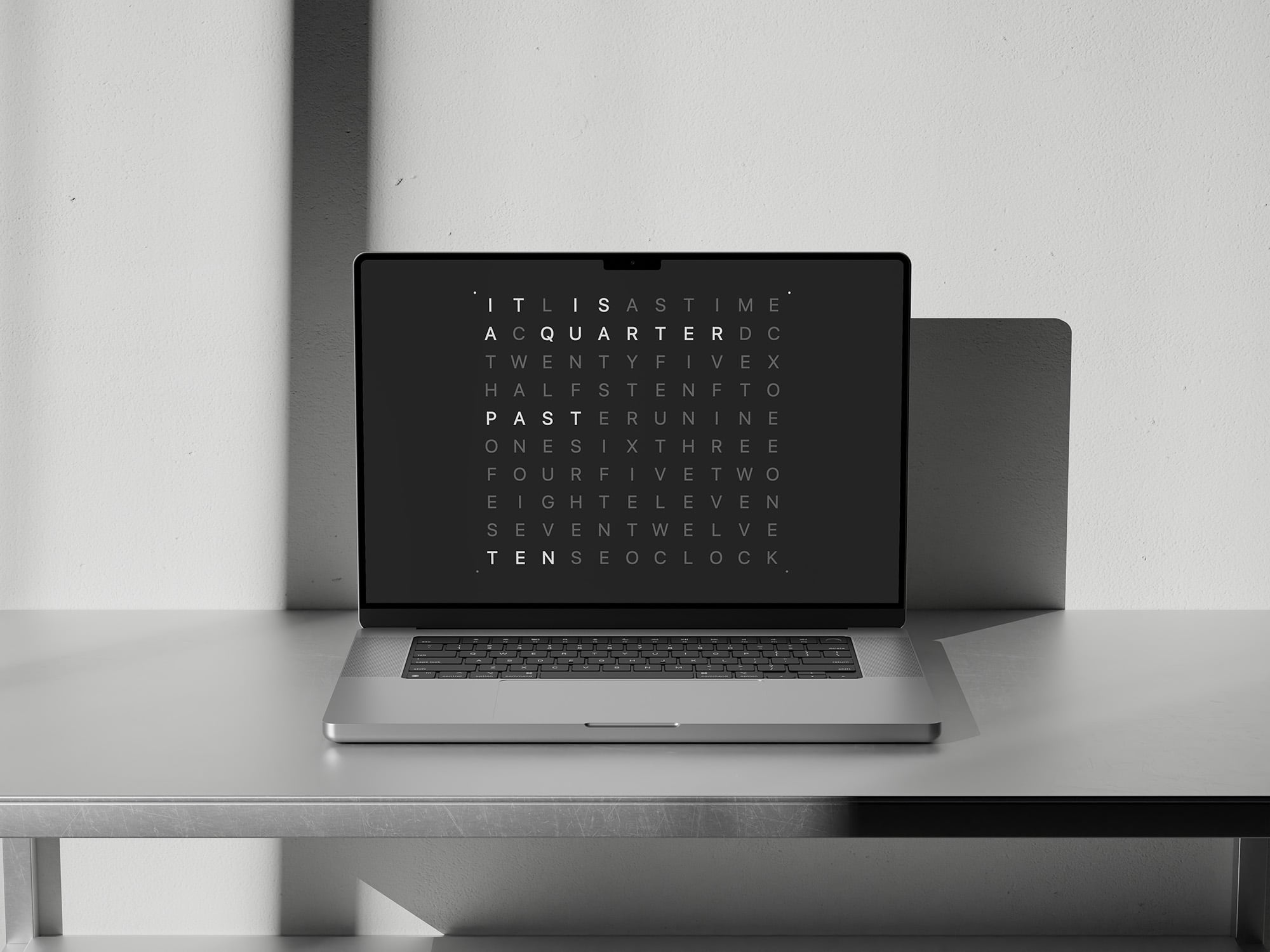
Run the full Mac app on your desktop, add widgets anywhere, then let the optional screensaver take over when your screen rests.
- 1Native macOS app with menu bar integration
- 2Desktop widgets in multiple sizes
- 3Dedicated screensaver that activates when idle
- 4iCloud sync keeps themes aligned across your Apple devices
DESKTOP APP & WIDGET
SCREENSAVER
tvOS
Apple TV
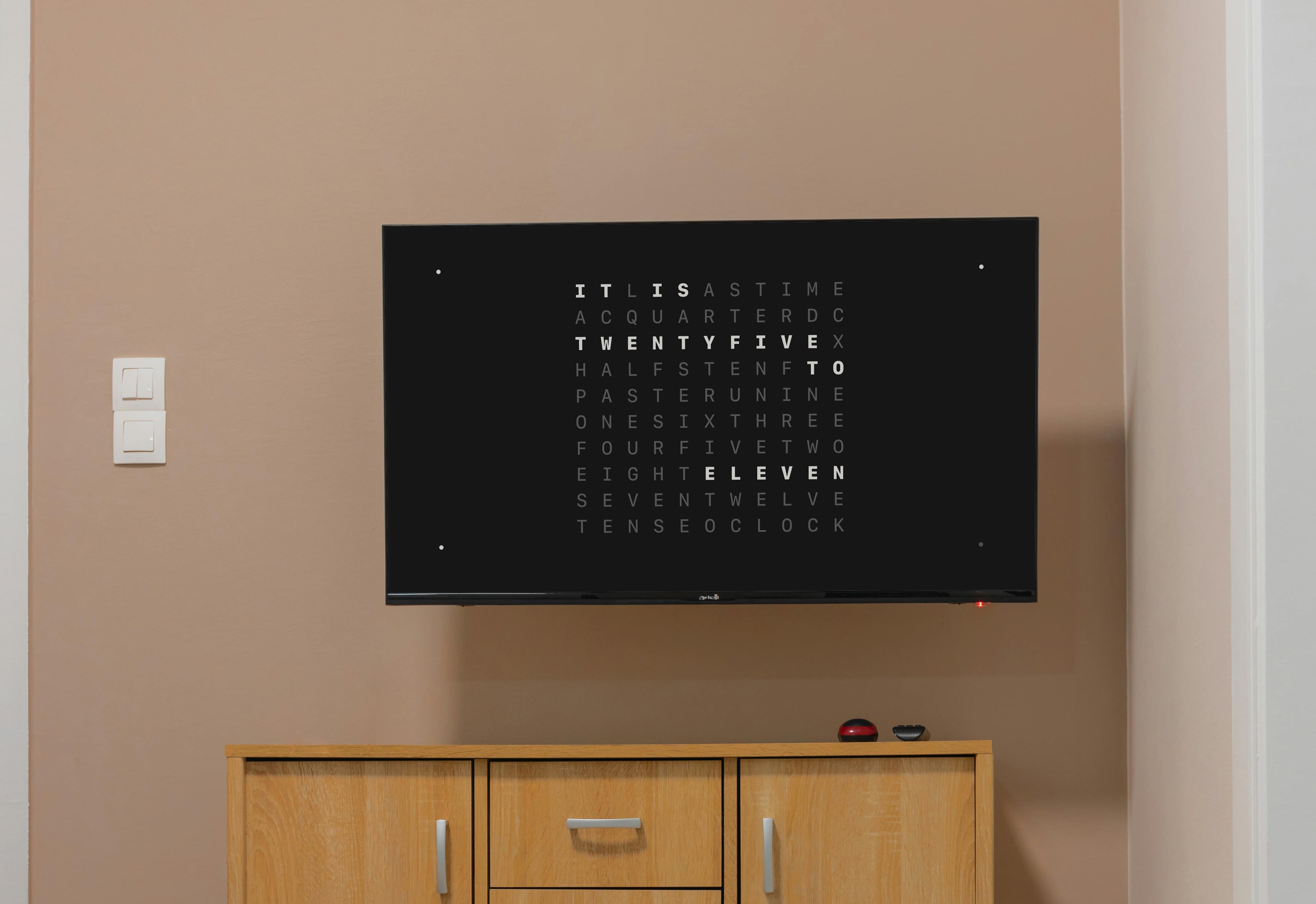
Turn your TV into a calm, room-wide word clock that feels like a living artwork.
- 1Large-format word clock for living rooms and studios
- 2Themes designed to stay legible from across the room
- 3iCloud sync keeps language and theme choices aligned
KIOSK MODE
APP
watchOS
Apple Watch Companion
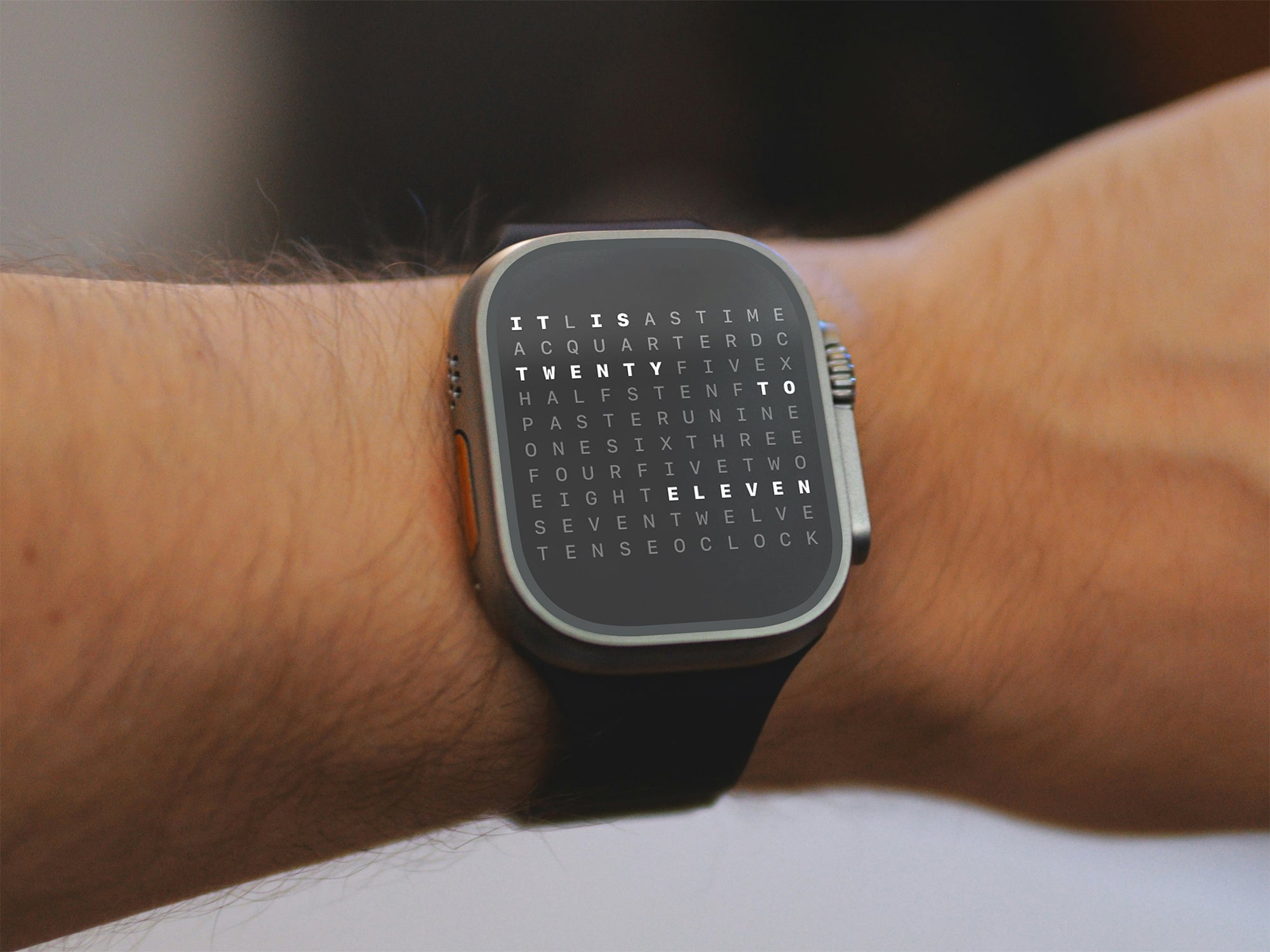
A glanceable word clock on your wrist, so the same calm time display is always close.
- 1Glanceable word clock complication
- 2Full watch app with customizable themes
- 3iCloud sync keeps your preferred settings aligned
WATCH APP
WATCH APP THEMES
Precision, palette, and language. All yours to define.
Craft your personal expression of time. Five languages honor how you think. Infinite color palettes match your aesthetic. Two precision modes let you choose between exacting clarity and gentle approximation.
Minute precision for those who value exactness.
Five-minute rhythm for a more contemplative pace.
One acquisition. Time reimagined across every screen.
Universal by design
A single $2.99 purchase unlocks the complete experience across iPhone, iPad, Mac, Apple Watch, and Apple TV. Your chosen languages, themes, and precision travel with you, unified by iCloud, consistent in every context.
Curated or custom
Begin with 15 thoughtfully designed presets, or create palettes entirely your own. Tinted and clear widget styles integrate seamlessly with your environment while preserving clarity.
Present where you are
A widget on your Home Screen. A screensaver on your Mac. A kiosk installation on a mounted iPad. A quiet companion on your wrist. A statement piece on Apple TV. Each shares the same refined typography and unhurried motion.