Everyday Companion
iPhone
App • Widgets • StandBy • Kiosk Mode
The most beautiful way to check the time.
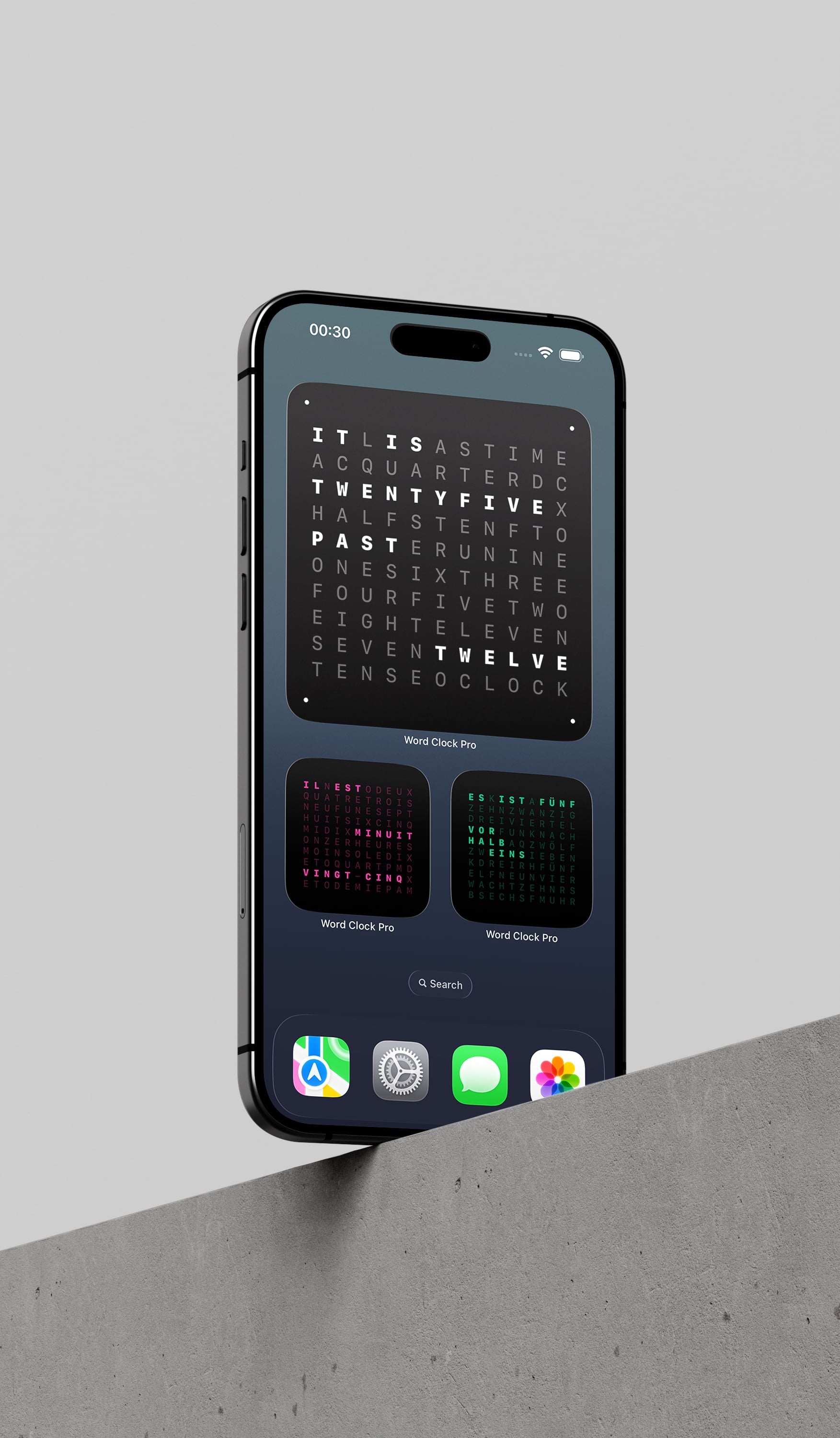
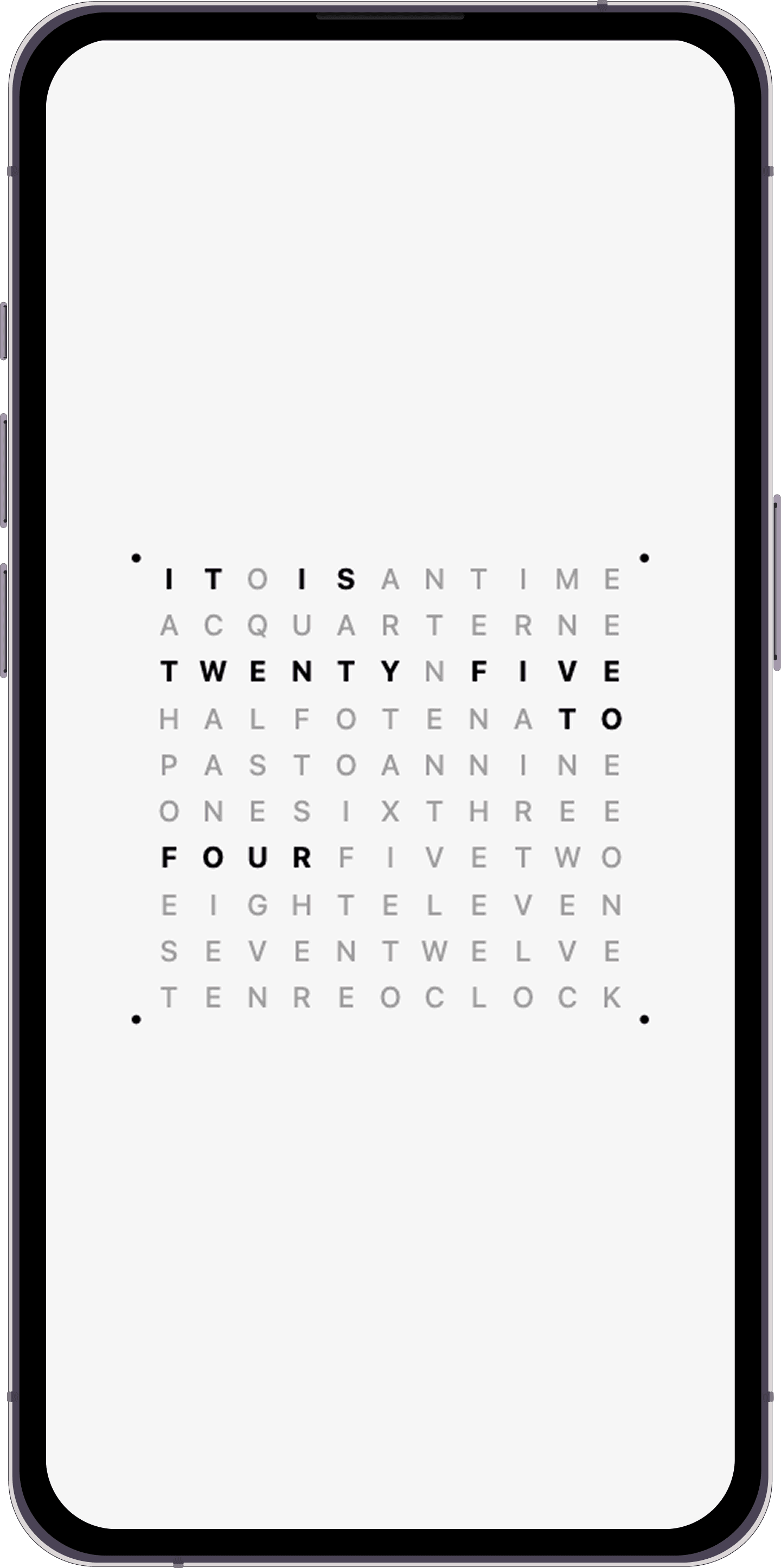
Word Clock Pro turns the hour into language instead of digits. It lives as a widget, StandBy display, kiosk surface, Mac screensaver, and TV piece, with typography and motion designed to be noticed gently rather than constantly.
Experience
Word Clock Pro is designed to feel calm at a glance, stay consistent across devices, and give you enough control to make it feel like part of the room instead of just another app.
Words slow the glance down just enough to make the clock feel designed instead of merely functional.
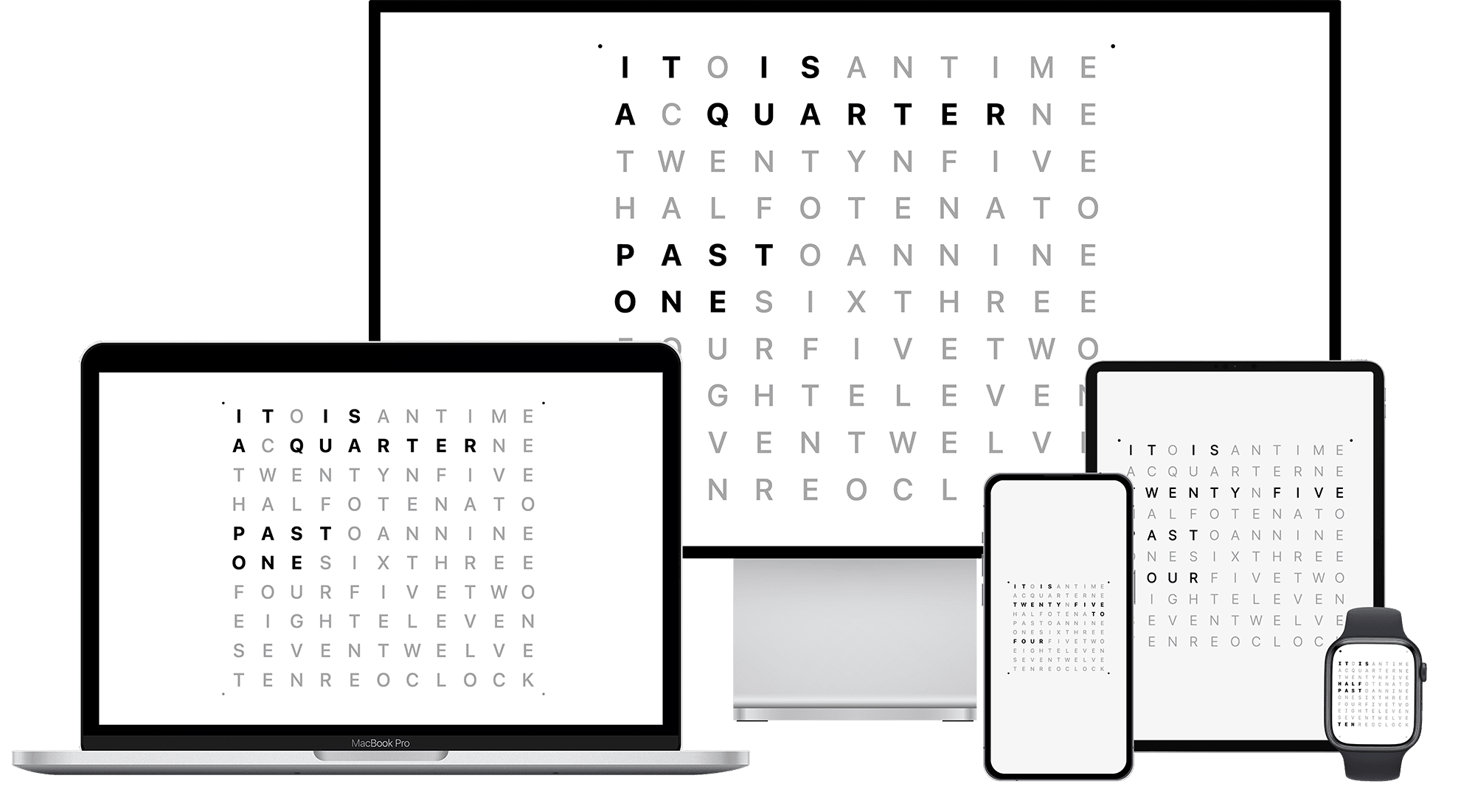
Themes, language, and precision settings stay coherent across iPhone, iPad, Mac, Apple Watch, and Apple TV.
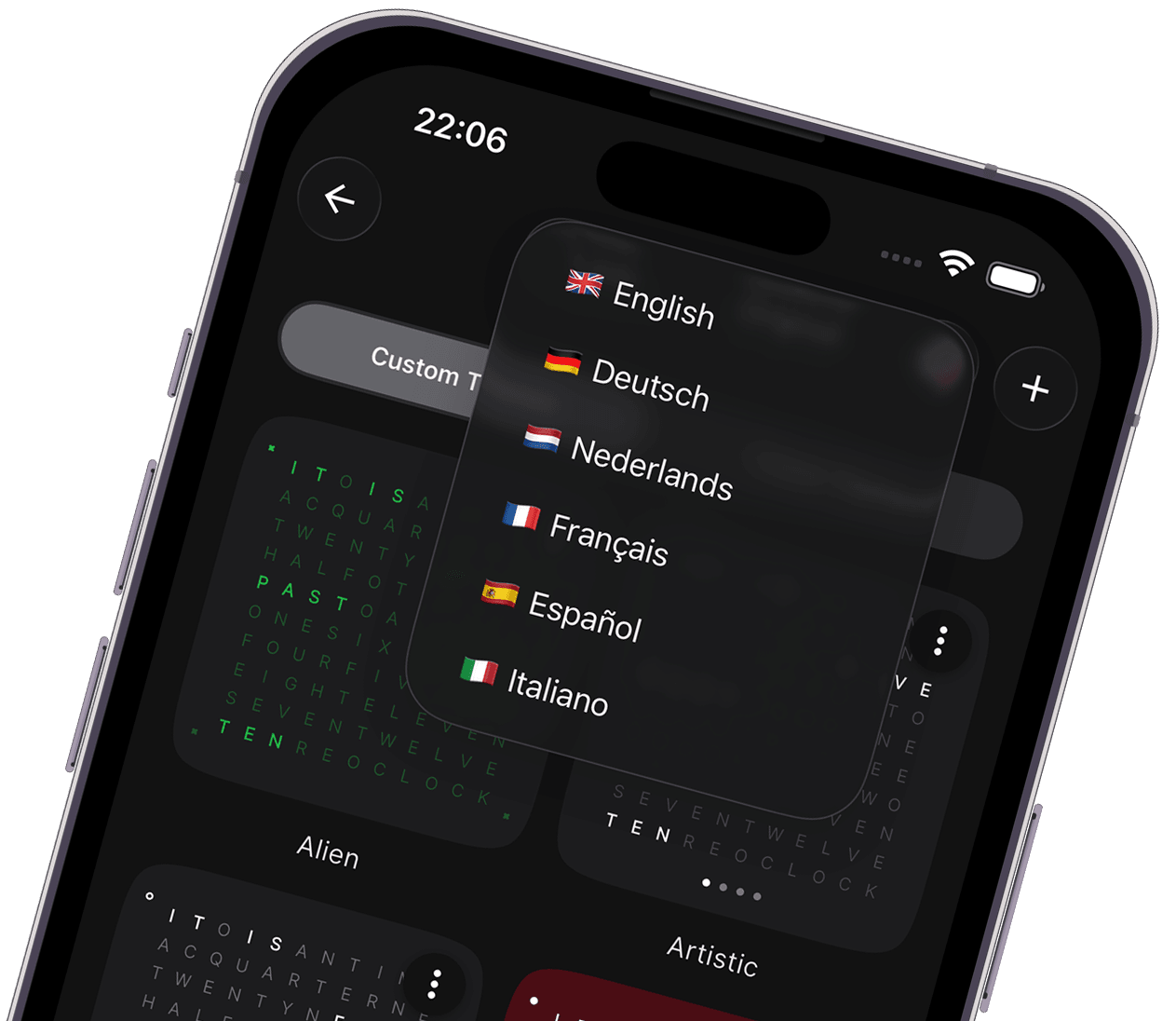
English, German, French, Spanish, Italian, and Dutch keep the clock readable in the way that feels natural to you.
Use your own photos, choose different fonts, tune colors and contrast, adjust indicator shapes, or start from predefined color presets.
Platforms
One purchase brings Word Clock Pro to every Apple screen.
Everyday Companion
App • Widgets • StandBy • Kiosk Mode
The most beautiful way to check the time.
Productivity Favorite
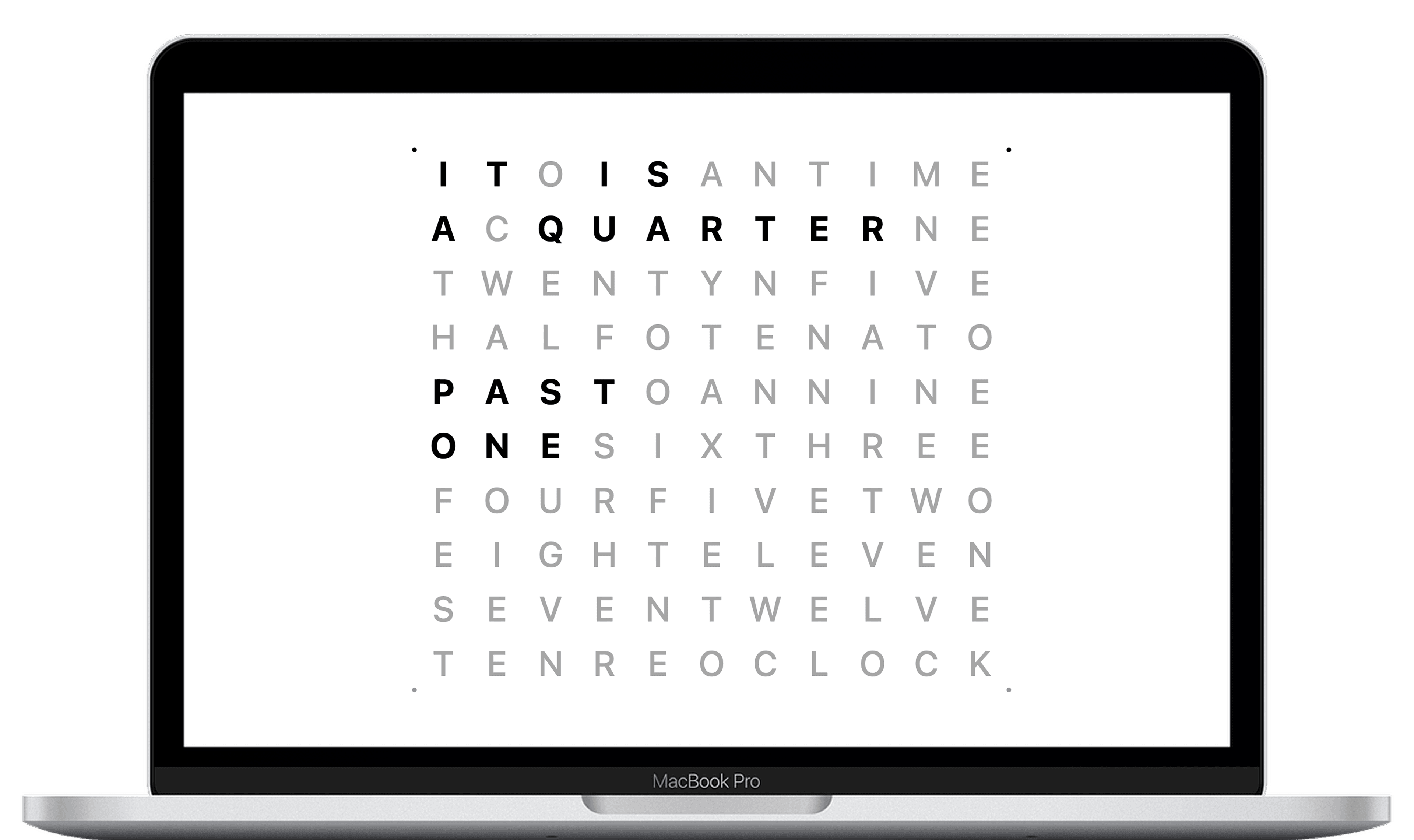
App • Widgets • Screensaver.
A clock that belongs on your desk.
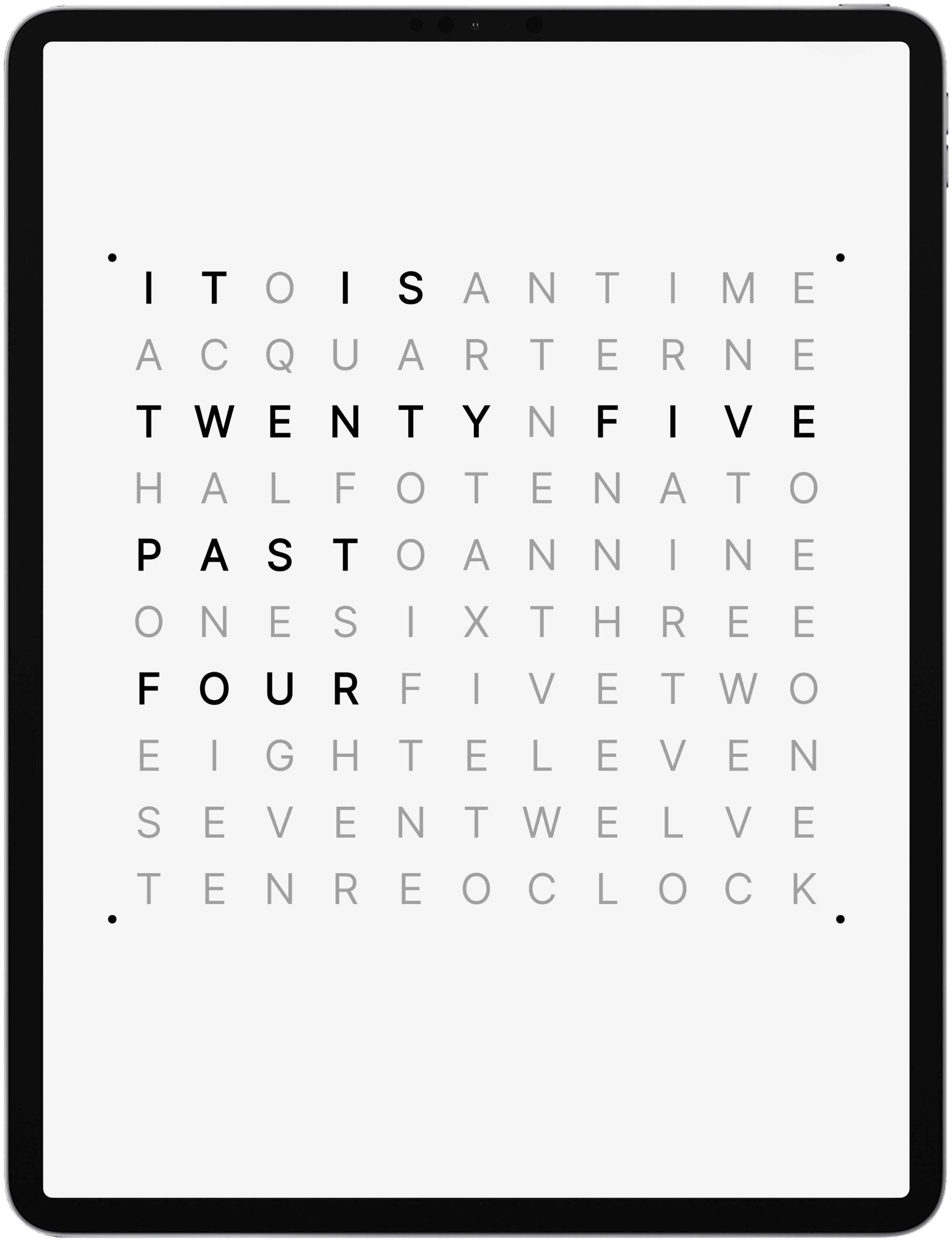
Best for Stands
App • Widgets • Lock Screen Widgets • Kiosk Mode
Designed to be seen across the room.
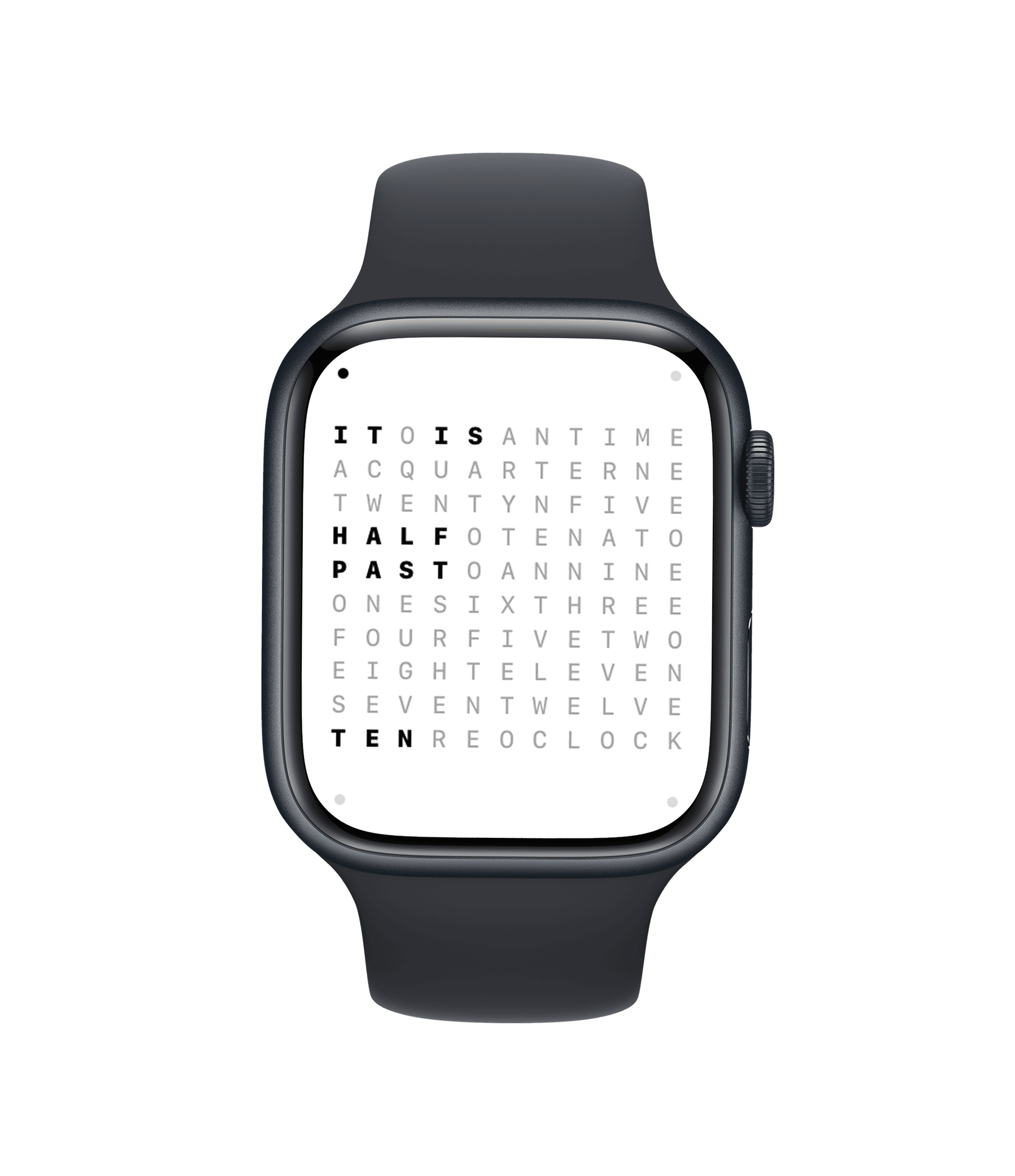
Quiet Luxury
Watch App • Complications
Elegant timekeeping for your wrist.
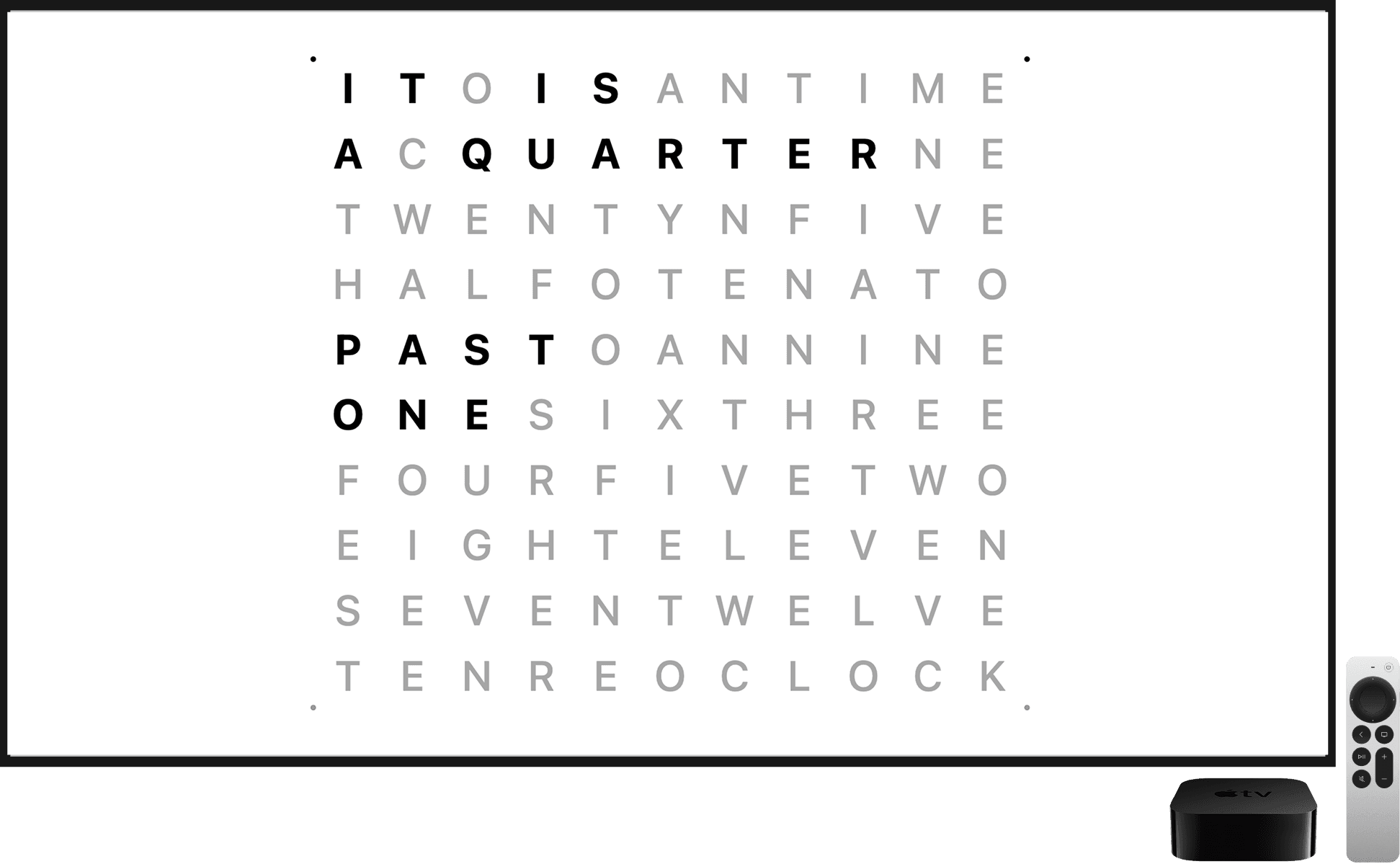
Living Room Display
App • Fullscreen Display
Turn your TV into a living piece of typography.
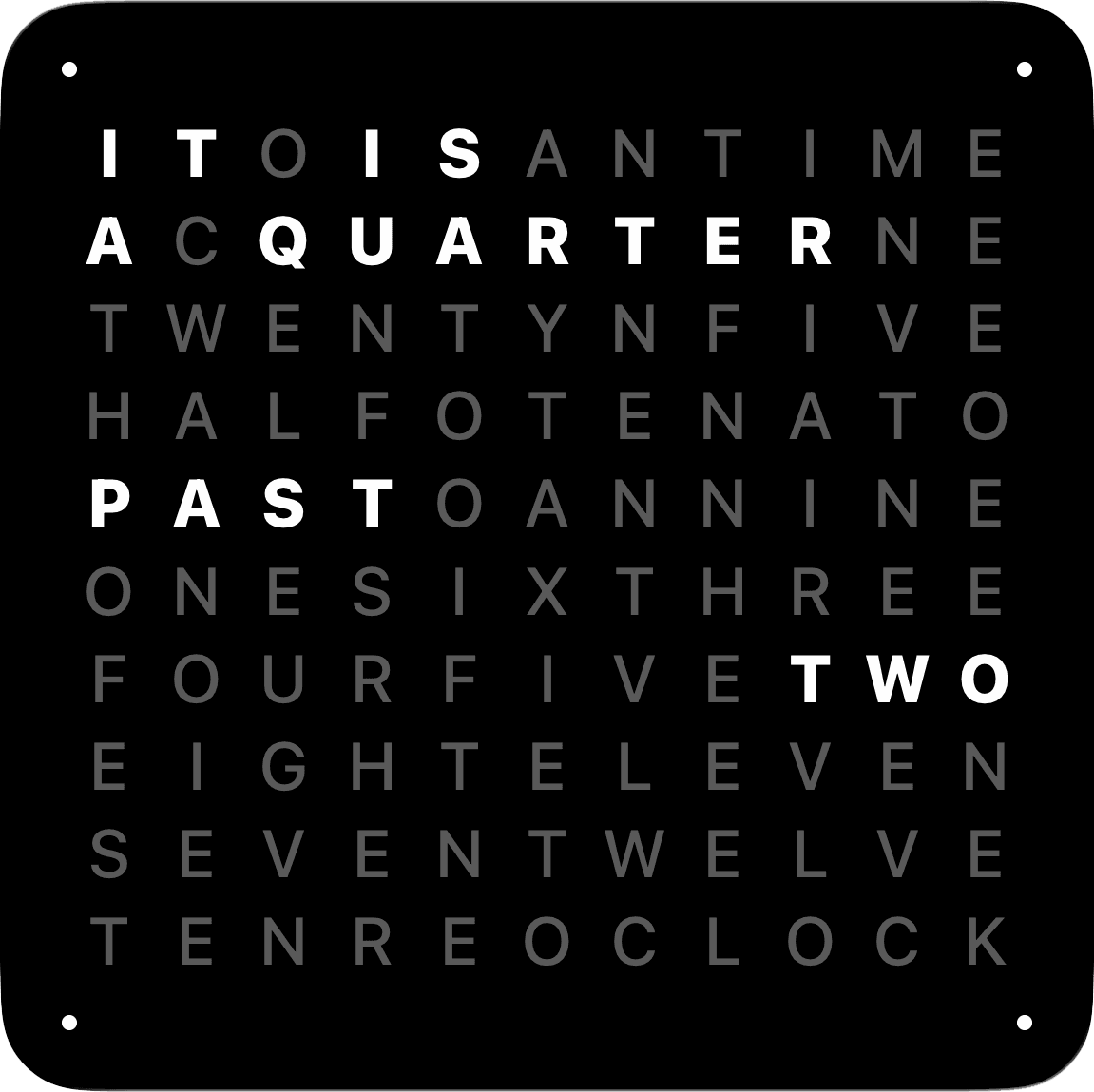
Clock · English · Black
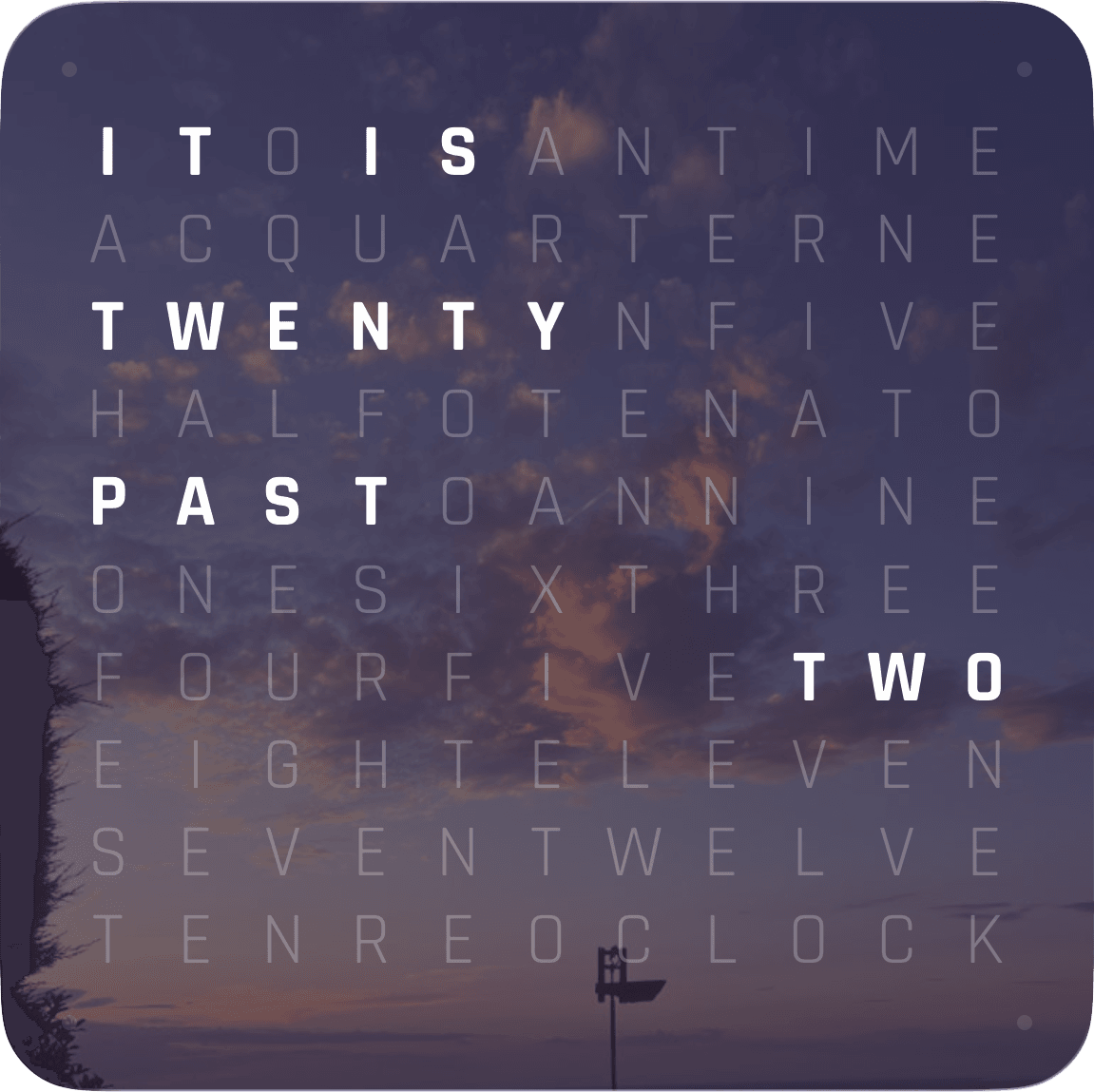
Clock · English · Black Photo
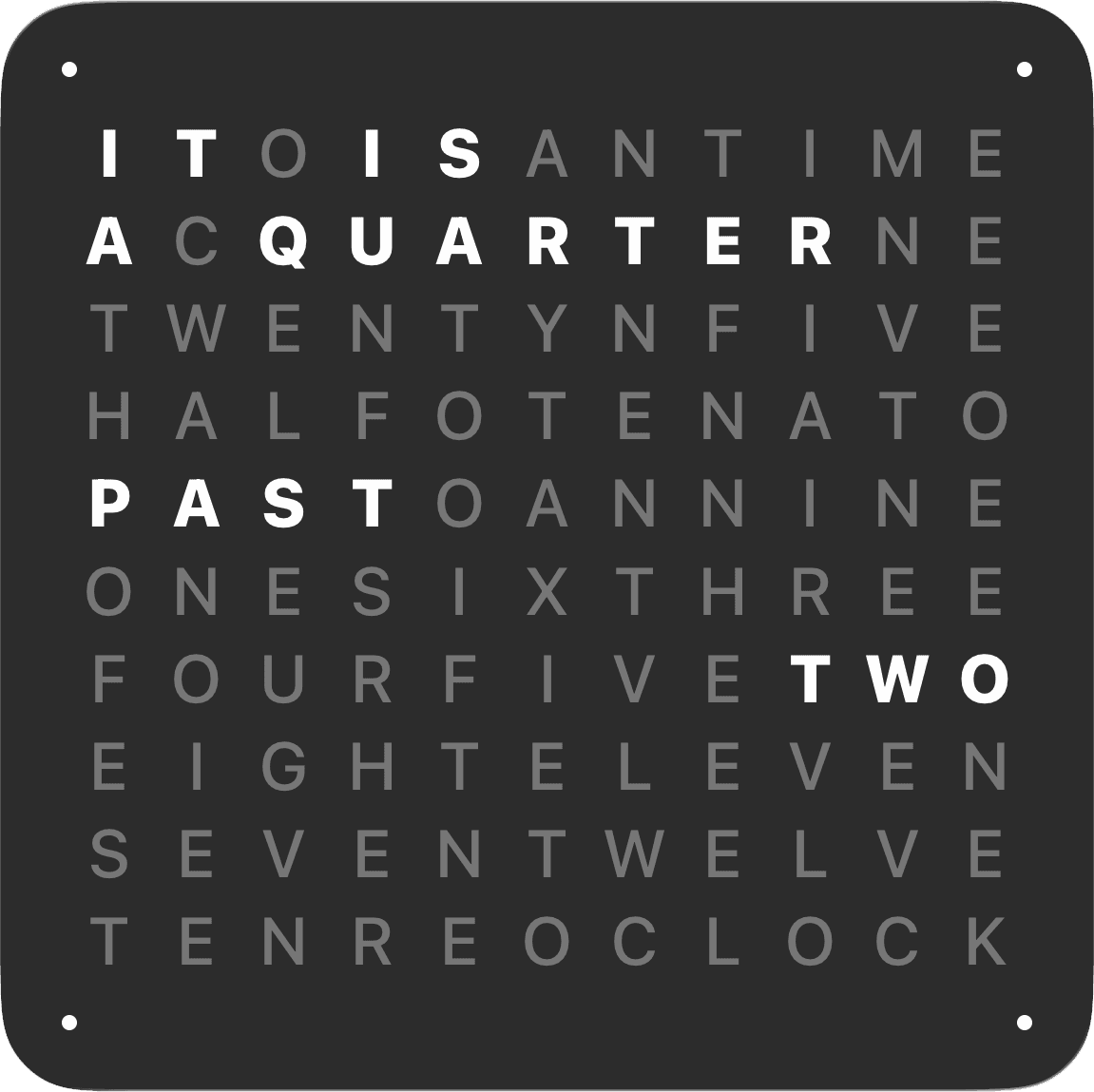
Clock · English · Graphite
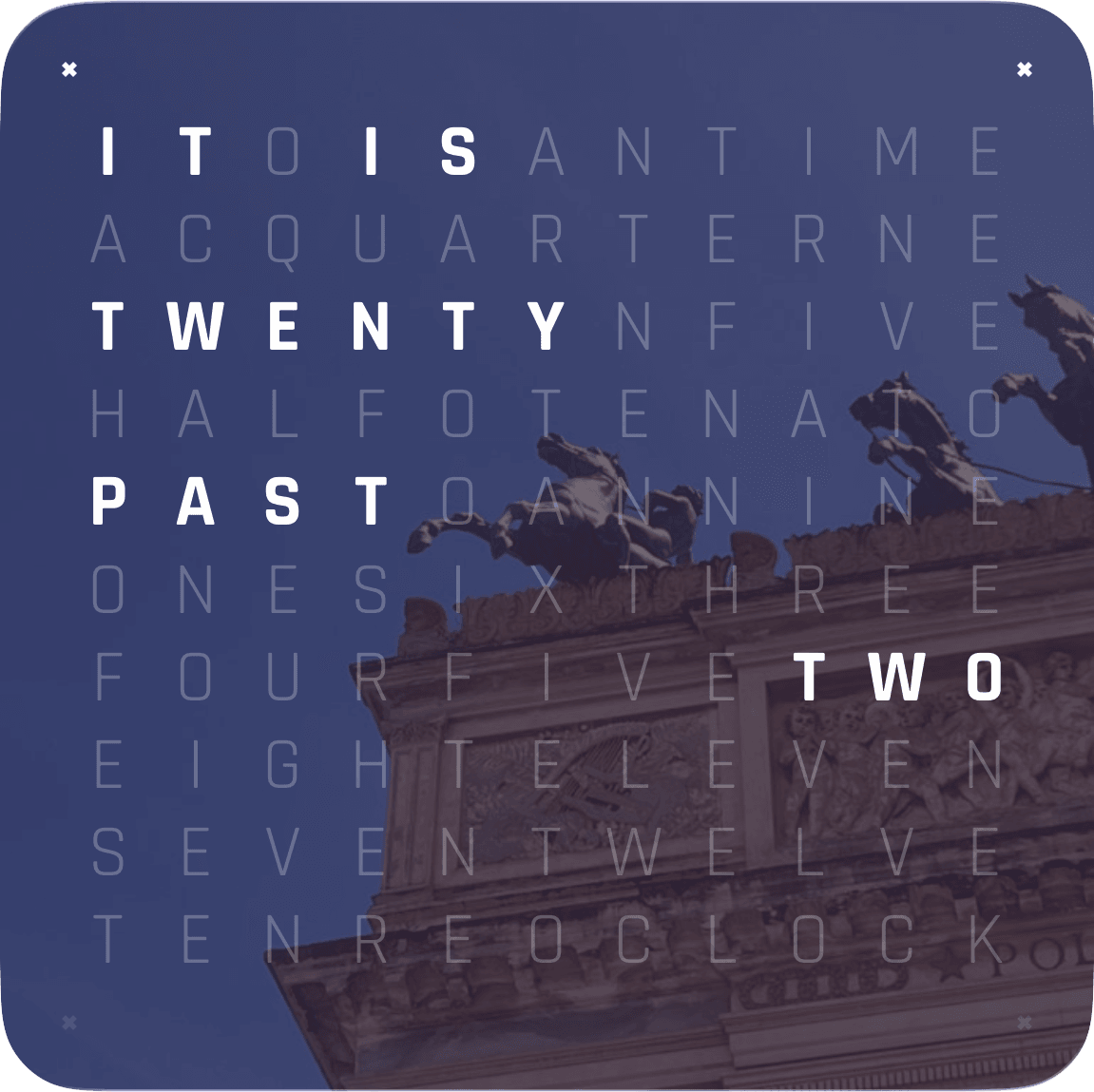
Clock · English · Graphite Photo
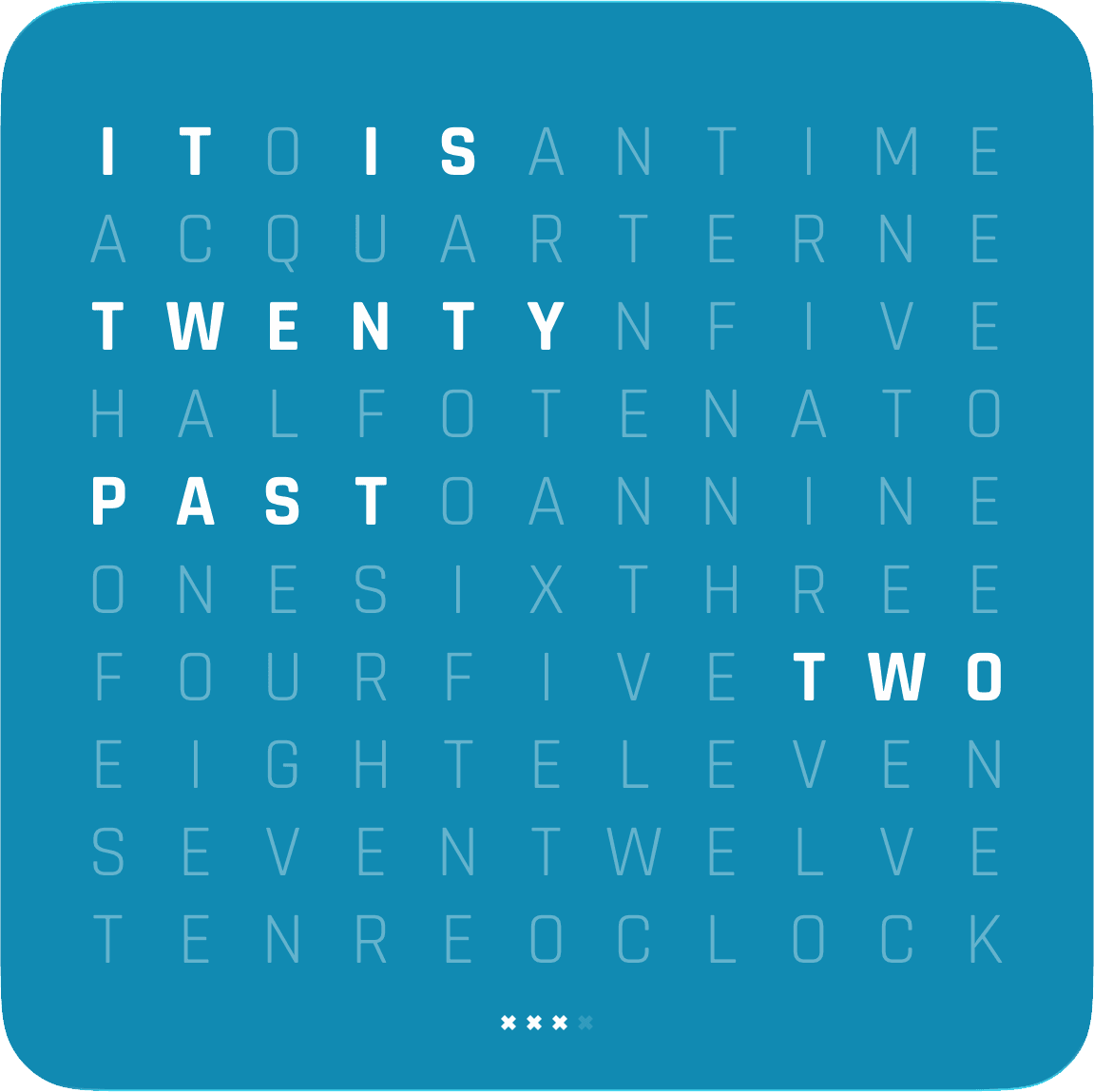
Clock · English · Teal
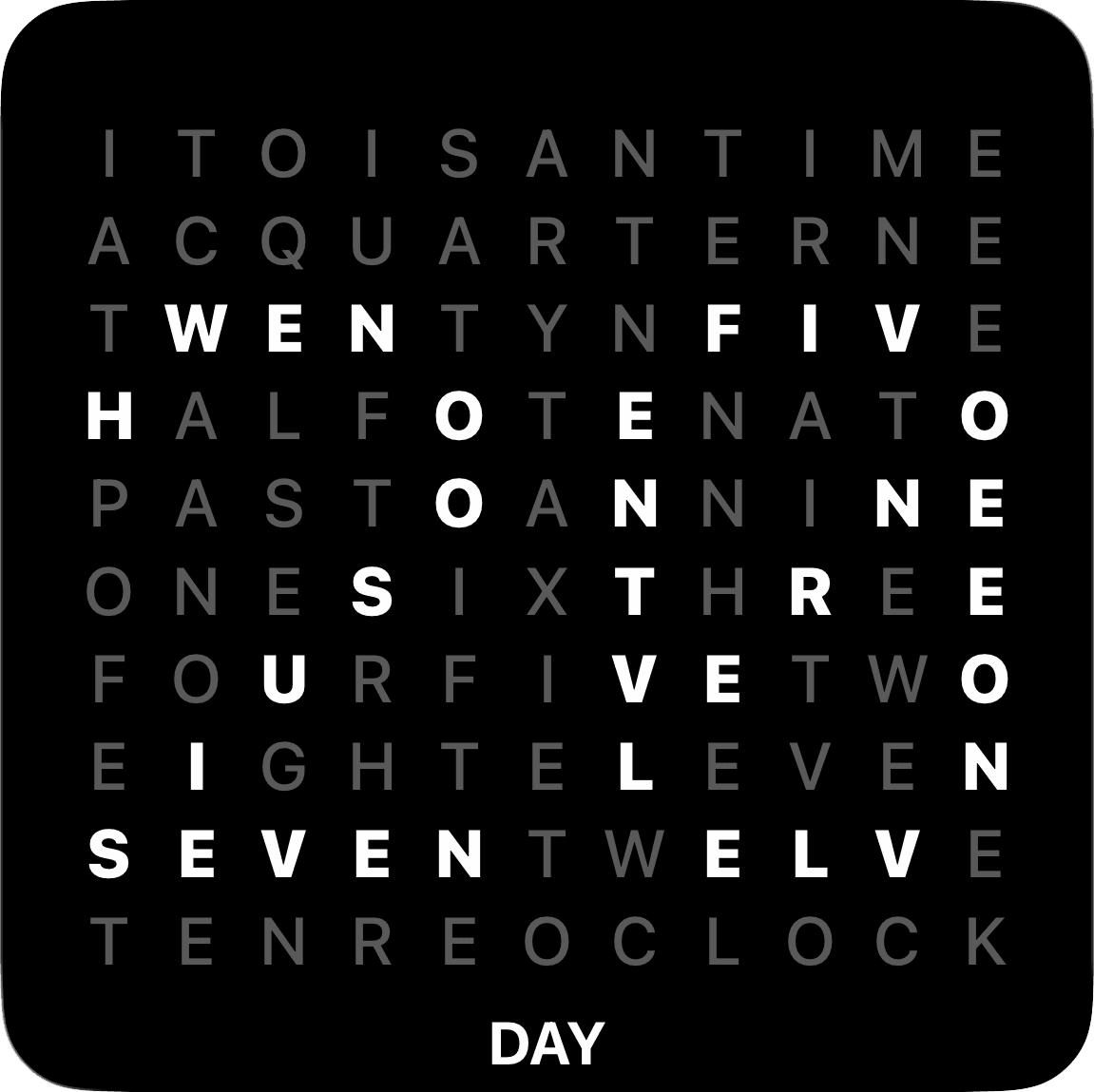
Day · English · Black
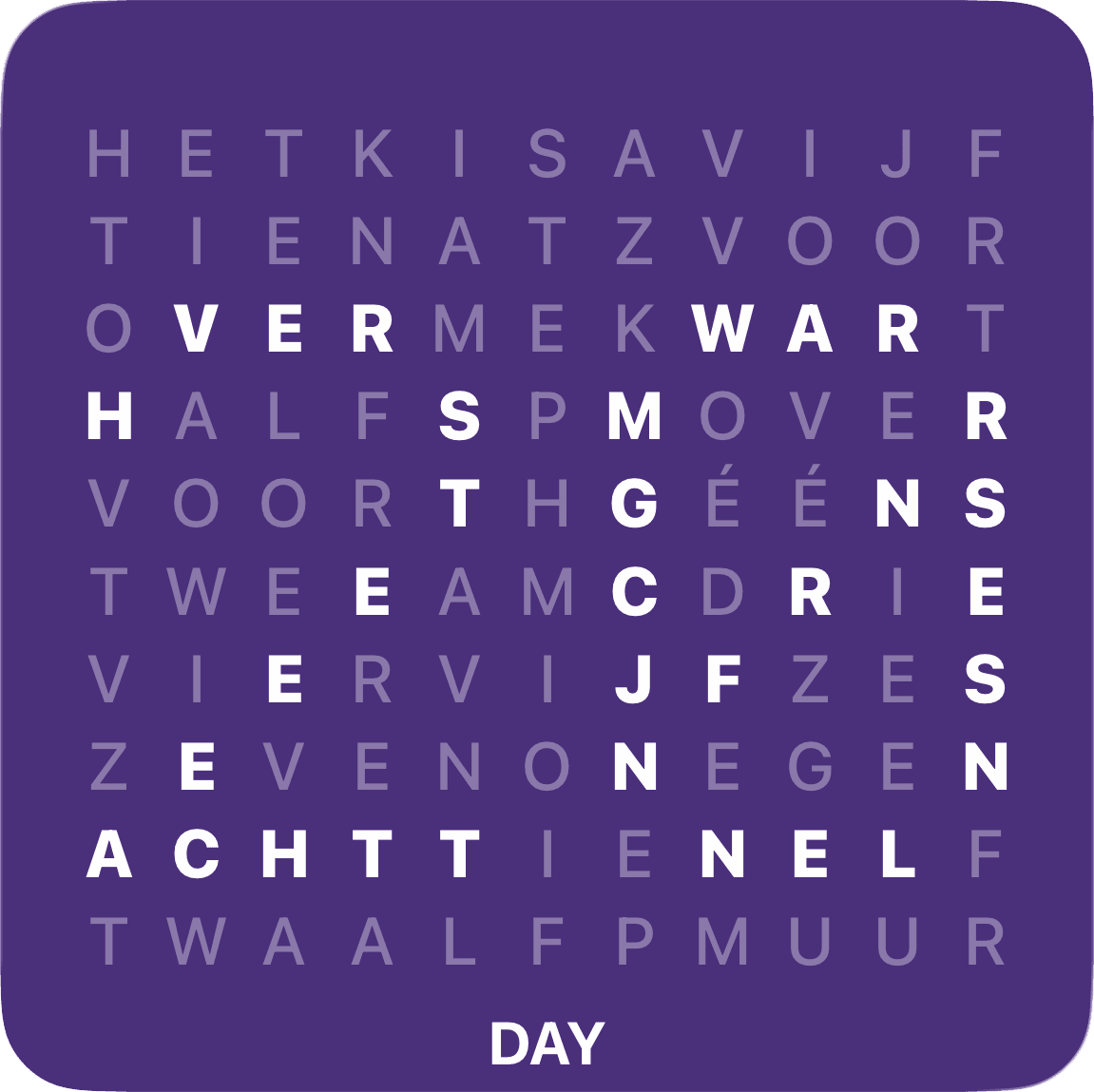
Day · Dutch · Purple
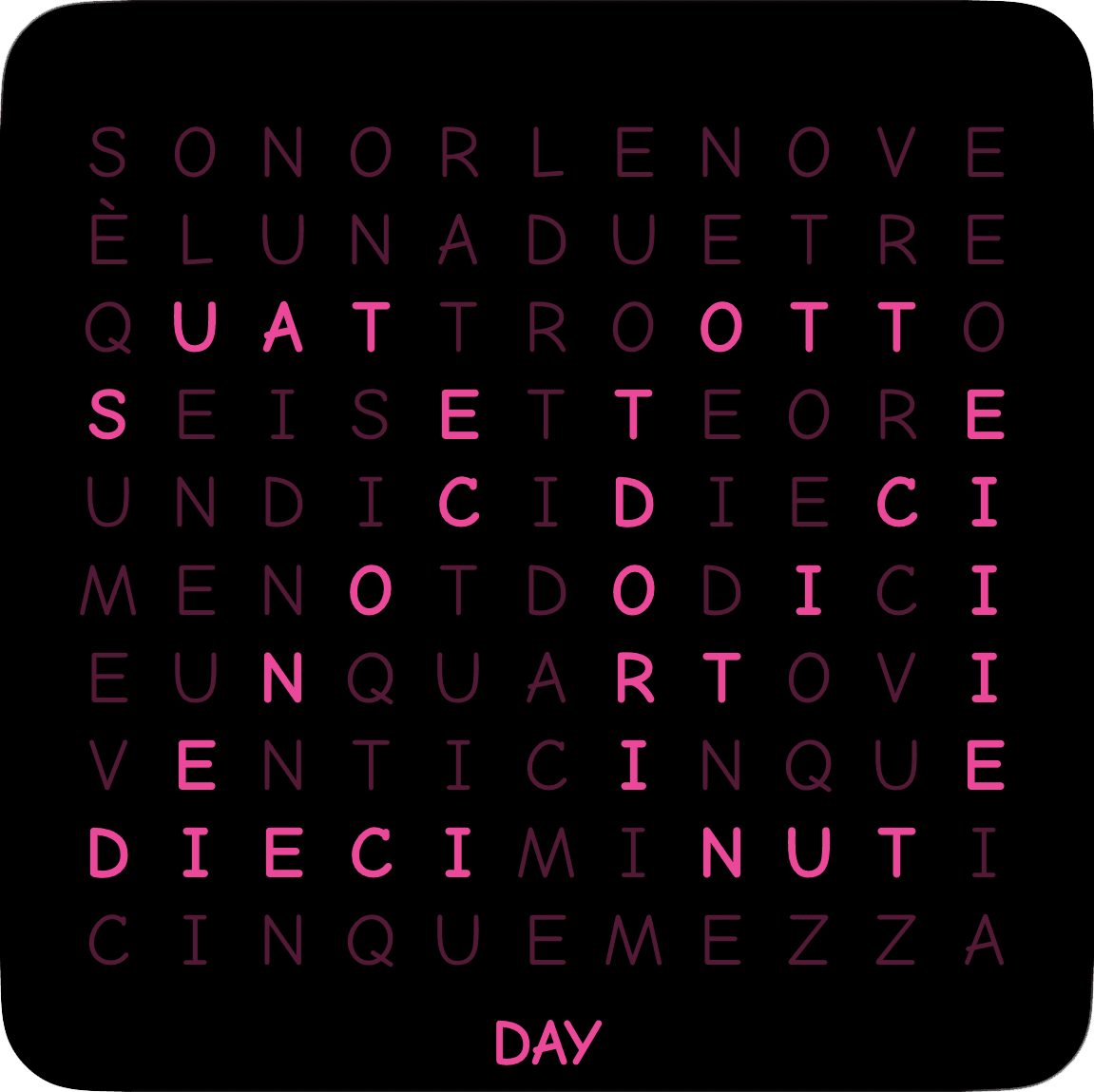
Day · Italian · Pink
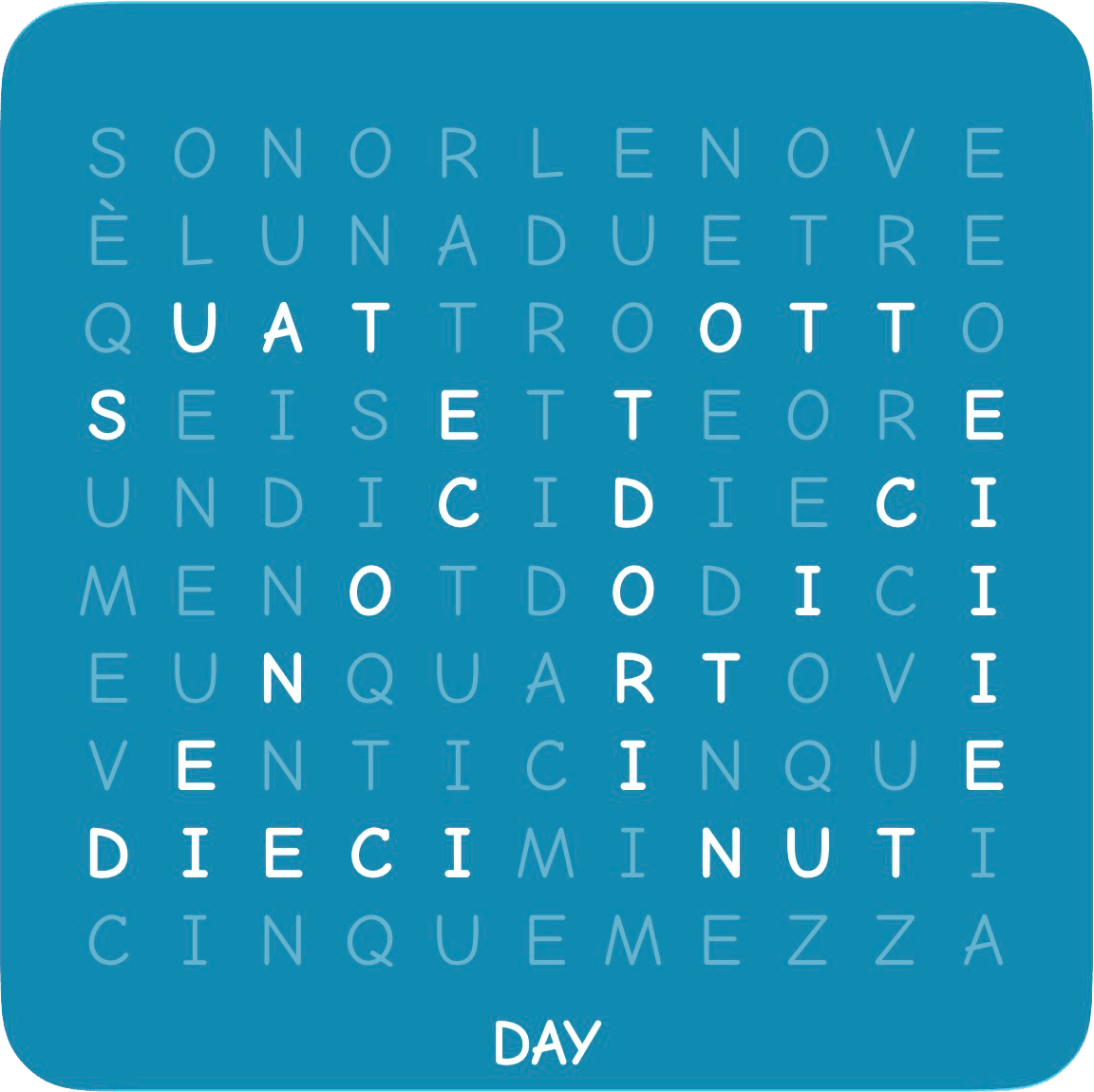
Day · Italian · Teal
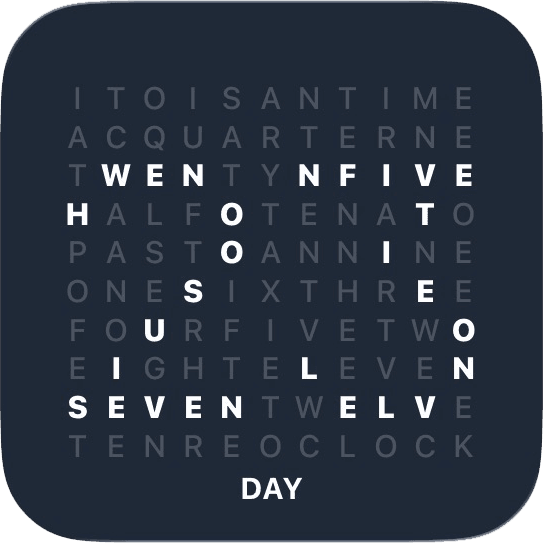
Progress · English · Day
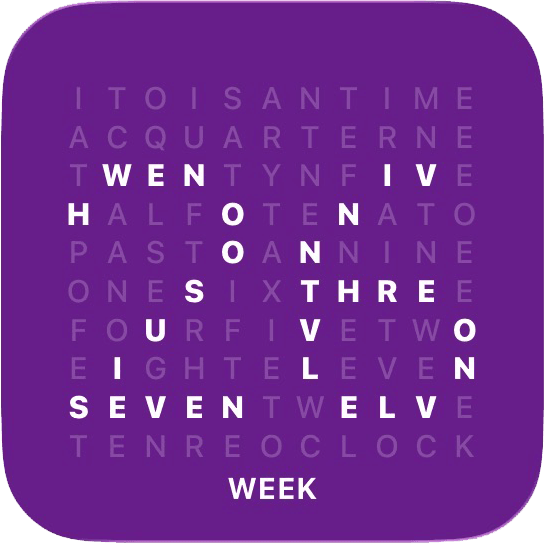
Progress · English · Week
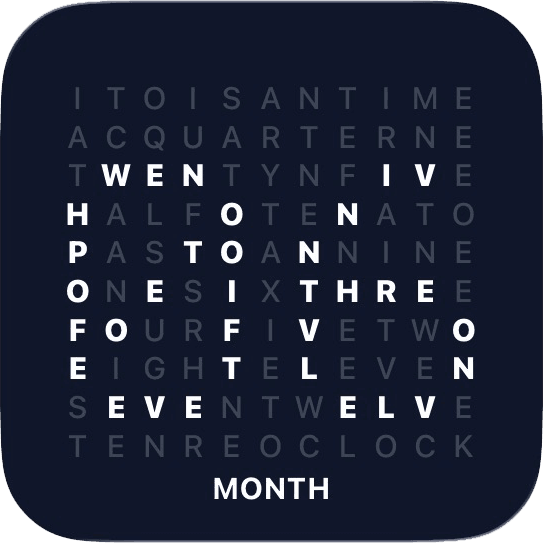
Progress · English · Month
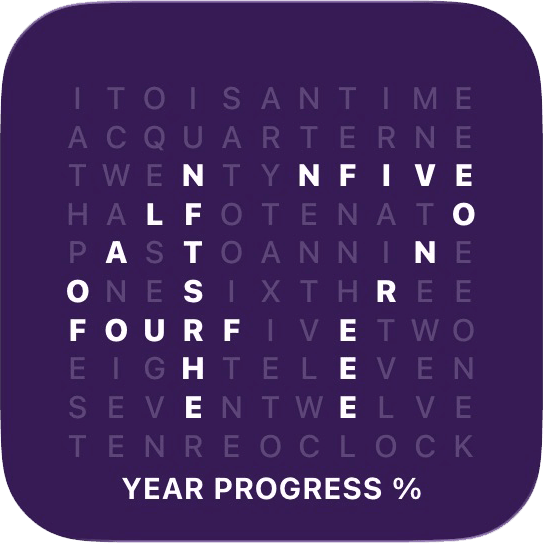
Progress · English · Year
Clock · English · Black
Clock · English · Black Photo
Clock · English · Graphite
Clock · English · Graphite Photo
Clock · English · Teal
Day · English · Black
Day · Dutch · Purple
Day · Italian · Pink
Day · Italian · Teal
Progress · English · Day
Progress · English · Week
Progress · English · Month
Progress · English · Year
Clock · English · Black
Clock · English · Black Photo
Clock · English · Graphite
Clock · English · Graphite Photo
Clock · English · Teal
Day · English · Black
Day · Dutch · Purple
Day · Italian · Pink
Day · Italian · Teal
Progress · English · Day
Progress · English · Week
Progress · English · Month
Progress · English · Year
Clock · English · Black
Clock · English · Black Photo
Clock · English · Graphite
Clock · English · Graphite Photo
Clock · English · Teal
Day · English · Black
Day · Dutch · Purple
Day · Italian · Pink
Day · Italian · Teal
Progress · English · Day
Progress · English · Week
Progress · English · Month
Progress · English · Year
Make every widget uniquely yours.
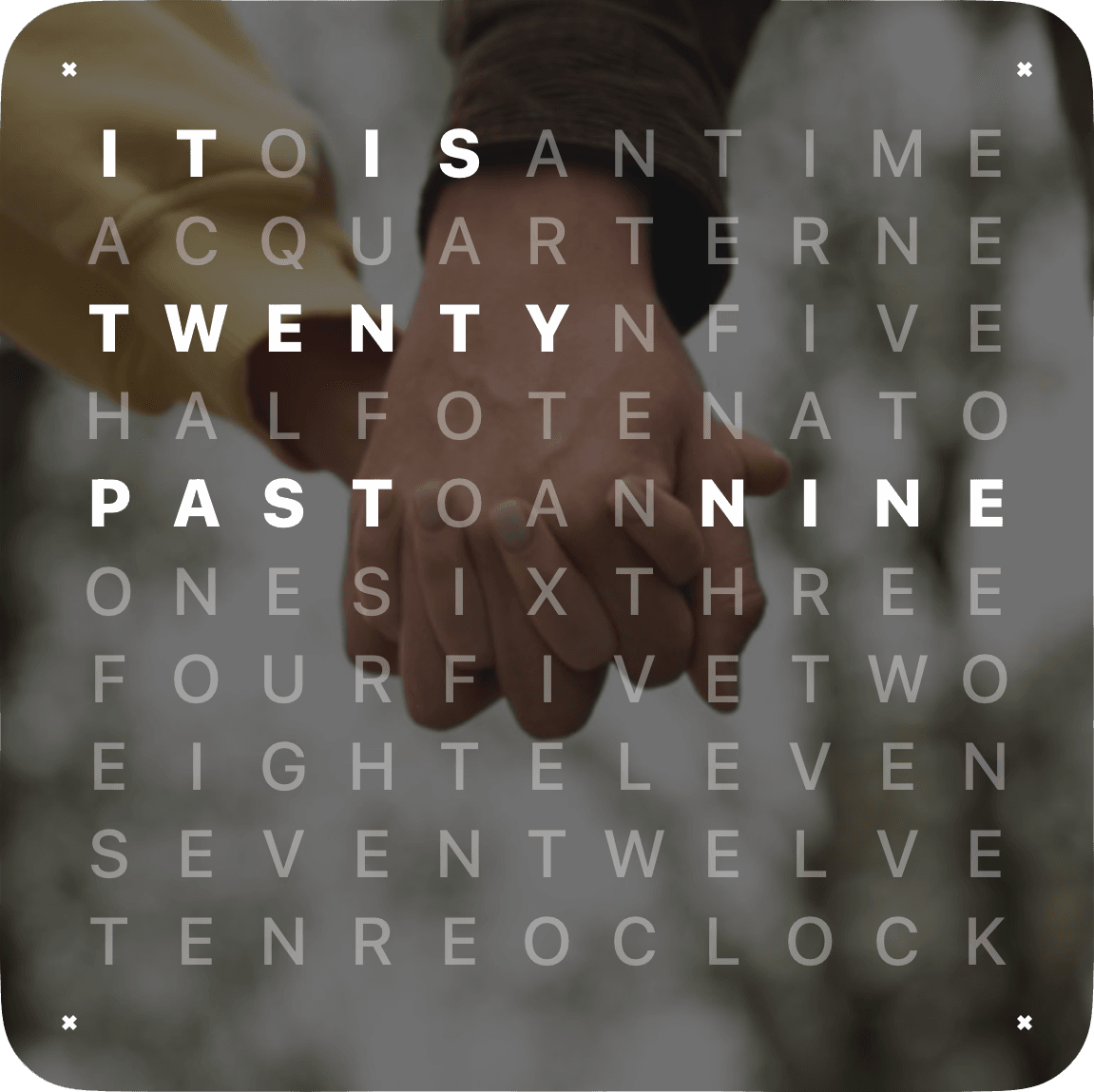
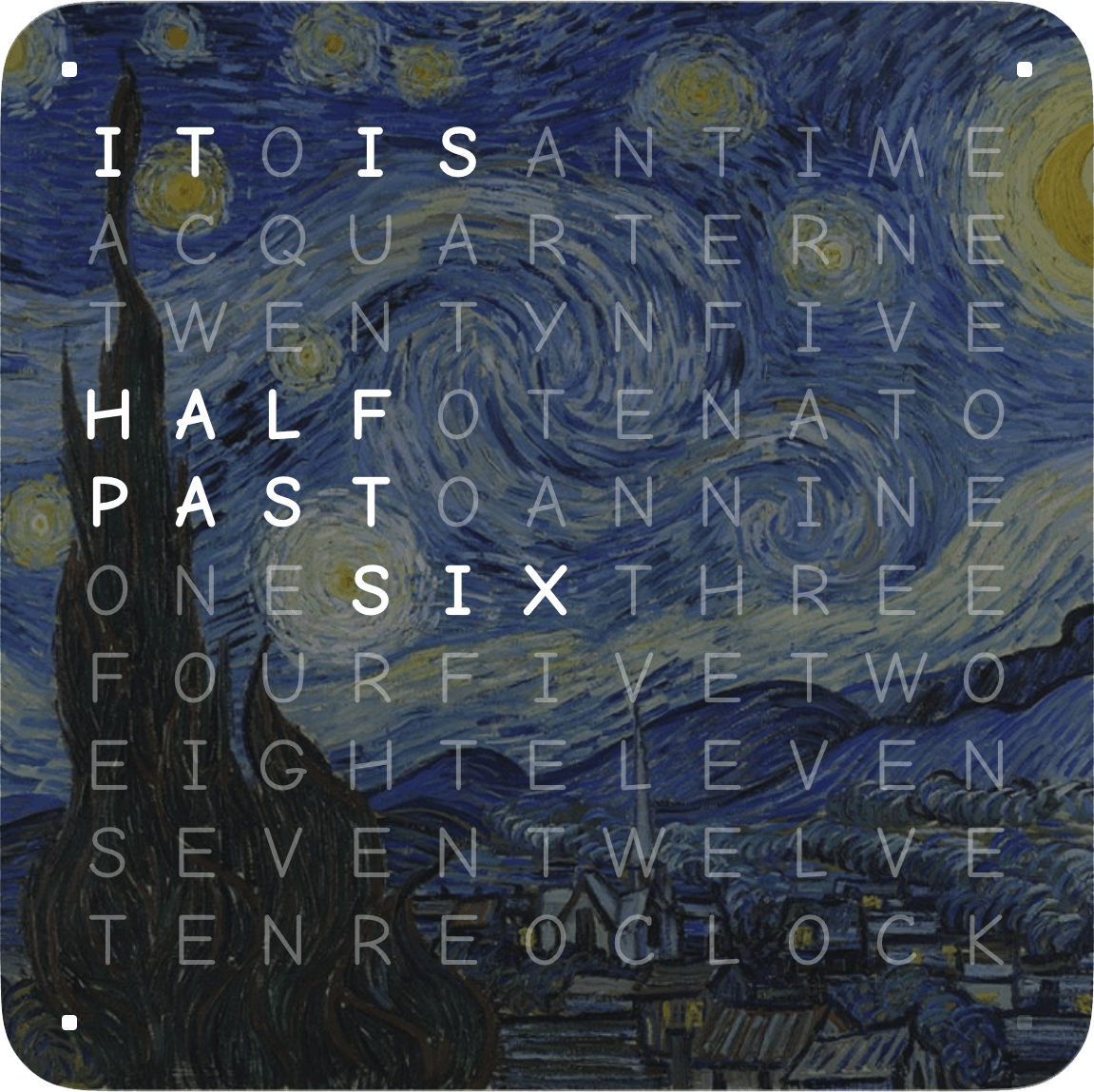
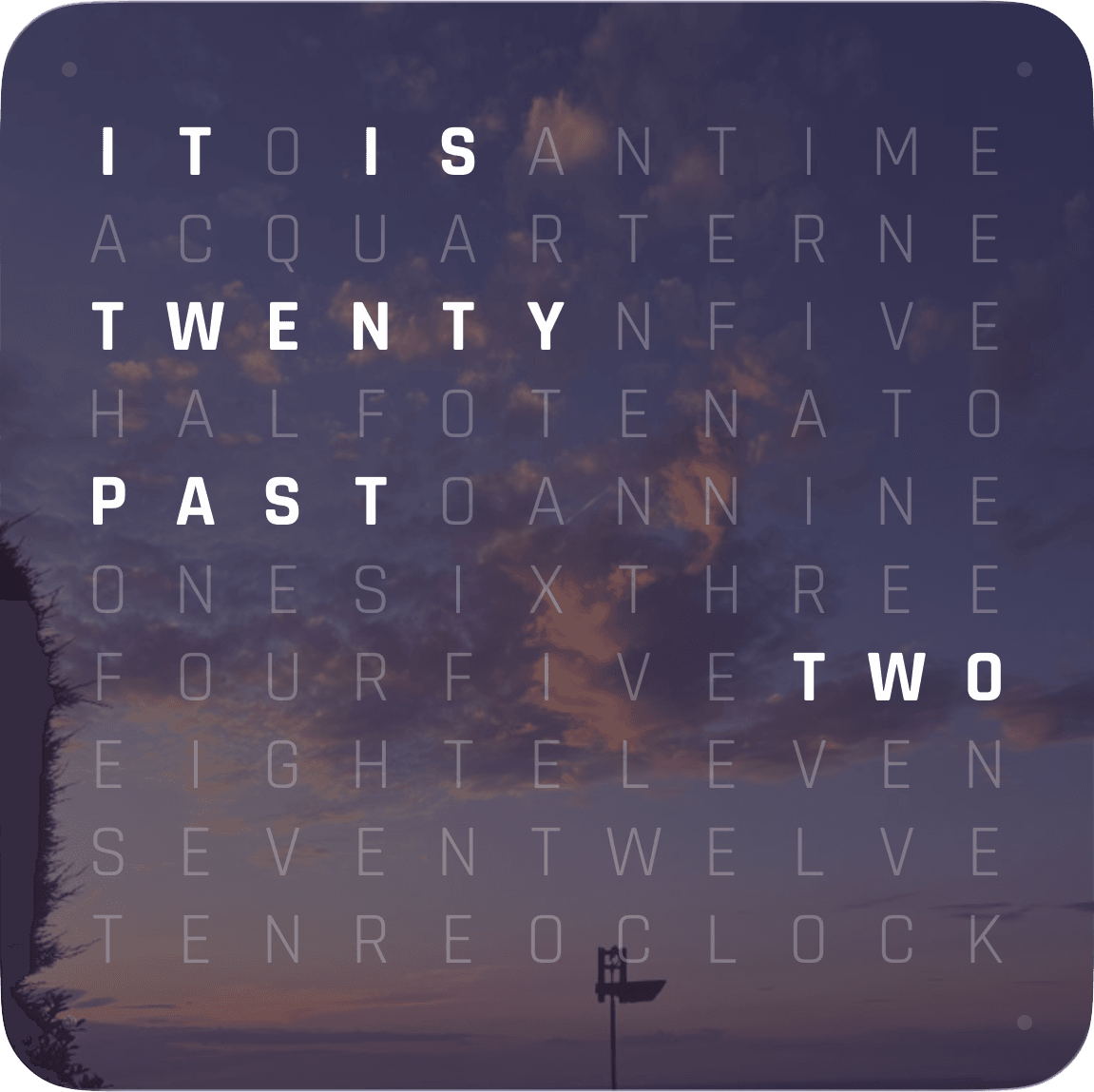
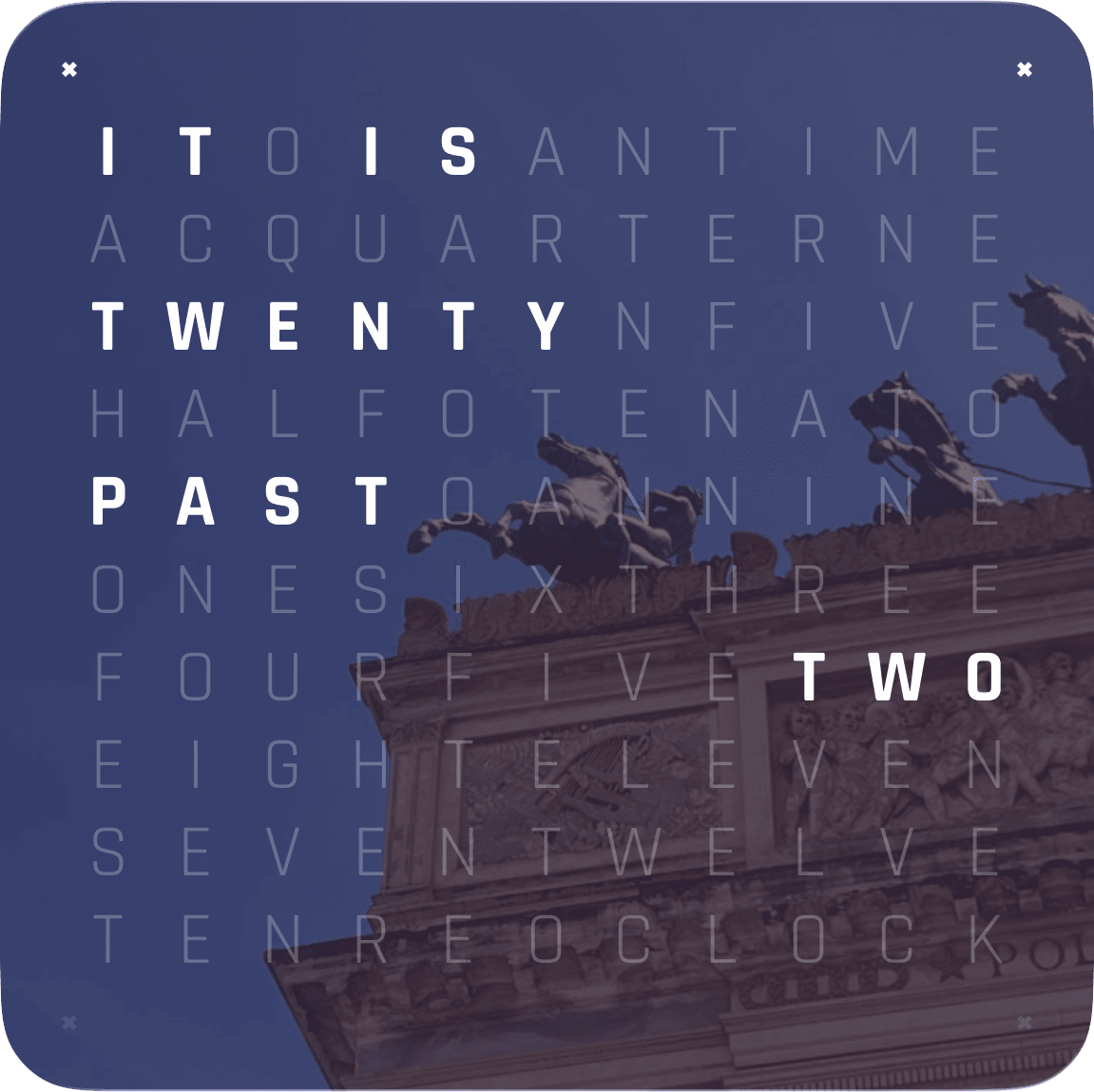
Start from curated presets, then tune colors and contrast.
Read time in your native language.
Track days, months, years, milestones, and moments.
Details
Pricing, platforms, sync, widgets, and customization, without the vague landing-page filler.
One $3.99 purchase unlocks Word Clock Pro across iPhone, iPad, Mac, Apple Watch, and Apple TV.
Yes. You can use exact minute-by-minute wording or switch to five-minute phrasing for a softer cadence.
The app includes English, German, French, Spanish, Italian, and Dutch.
Yes. The experience spans widgets, StandBy, kiosk-style placement, macOS screensaver use, and other Apple surfaces where the app fits naturally.
Yes. You can use your own photos, choose your own colors, or start from predefined color presets. The images shown in the website examples are for presentation only and are not included in the app.
Not as a standard Apple Watch face. Apple does not allow third-party apps to replace the built-in watch faces. To get close, open Word Clock Pro on your Apple Watch, then go to Settings > General > Return to Clock and choose After 1 hour. You can also go to Settings > Display & Brightness > Wake Duration and choose Wake for 70 Seconds, so the app stays visible longer when you raise your wrist.
Yes. Your custom themes sync through iCloud, so a look you create on iPhone can carry across iPad, Mac, Apple Watch, and Apple TV.
A single $3.99 purchase unlocks the complete experience across iPhone, iPad, Mac, Apple Watch, and Apple TV. Your chosen languages, themes, and precision travel with you, unified by iCloud, consistent in every context.
Begin with 15 thoughtfully designed presets, or create palettes entirely your own. Tinted and clear widget styles integrate seamlessly with your environment while preserving clarity.
A widget on your Home Screen. A screensaver on your Mac. A kiosk installation on a mounted iPad. A quiet companion on your wrist. A statement piece on Apple TV. Each shares the same refined typography and unhurried motion.